
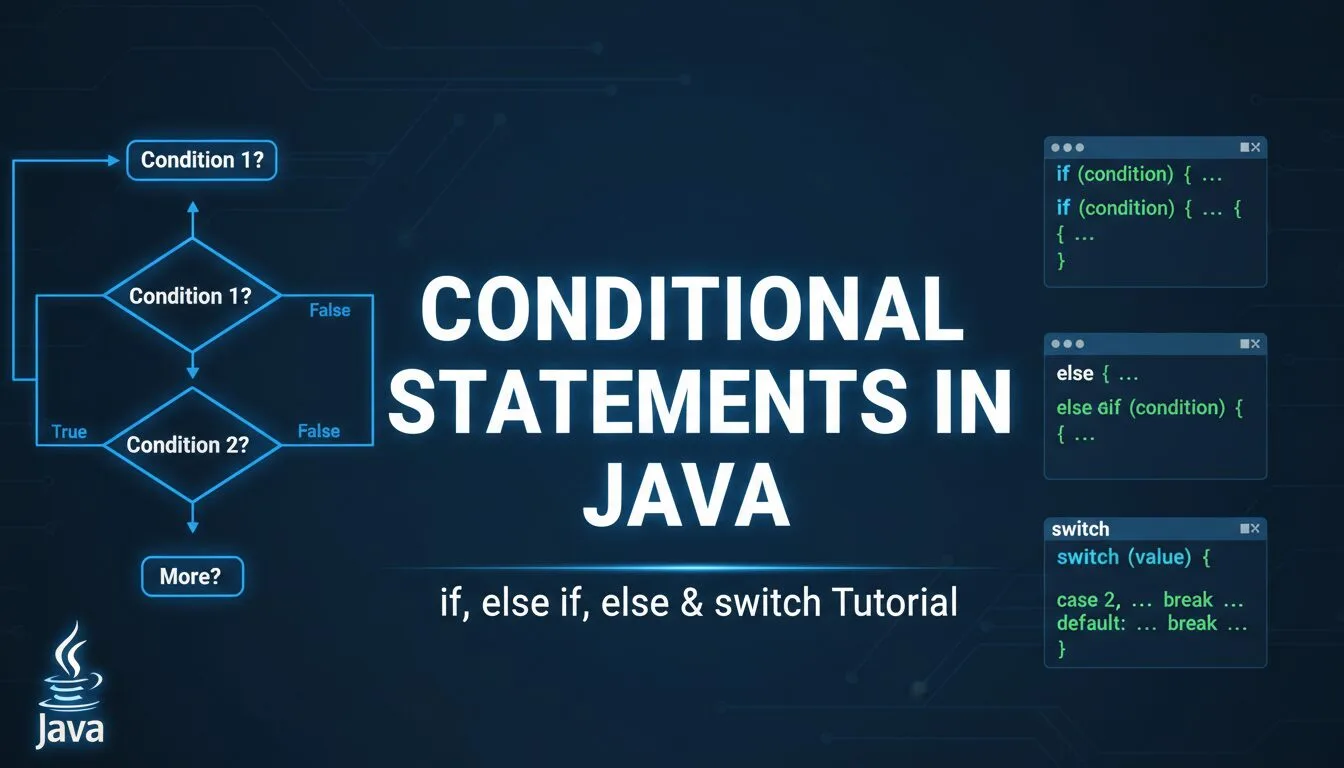
Learning conditional statements in Java is one of the most essential and frequently used skills in any Java tutorial for beginners — conditionals (also called branching statements) let your program make decisions: execute different code based on whether a condition is true or false. Without conditional statements in Java, your programs would always run the same way — no user input handling, no validation, no different paths for success/error, no game logic, no login checks, nothing dynamic.
In this complete conditional statements in Java guide, you’ll master:
- Single if statements
- if → else if → else chains
- Nested conditionals
- The switch statement (classic & modern)
- Ternary operator (?:)
- Operator precedence pitfalls
- Best practices for clean, readable code
All examples are tested in jshell (Java’s interactive REPL) — copy-paste them to see instant results.
Prerequisites
- Java 11+ installed (preferably 17 or 21 LTS)
- Ubuntu: sudo apt install openjdk-21-jdk
- Windows/macOS: https://adoptium.net/
- Terminal + jshell (type jshell to start)
- Basic knowledge of variables, data types & operators
1. Single if Statements – The Foundation of Conditional Statements in Java
The simplest form: if (condition) { code }
					int age = 20;

if (age >= 18) {
    System.out.println("You are an adult!");
}
Run in jshell → Output: You are an adult!
Key rules:
- Condition must evaluate to boolean (true/false)
- Parentheses () around condition are required
- Curly braces {} are optional for single statements — but always use them for readability
Without braces (single line only):
					if (age >= 18)
    System.out.println("Adult");
    System.out.println("This line always runs!");   // NOT conditional
Common beginner mistake — only the first line after if is conditional without braces.
2. if → else if → else Chains – Most Common Use of Conditional Statements in Java
Handle multiple conditions:
					int score = 85;

if (score >= 90) {
    System.out.println("Grade: A");
} else if (score >= 80) {
    System.out.println("Grade: B");
} else if (score >= 70) {
    System.out.println("Grade: C");
} else if (score >= 60) {
    System.out.println("Grade: D");
} else {
    System.out.println("Grade: F");
}
Best practices:
- Order matters — most likely conditions first
- Only one branch executes (first true condition)
- else is optional — use when you need a default case
3. Nested if Statements – Advanced Conditional Statements in Java
if inside another if:
					int age = 25;
boolean hasLicense = true;

if (age >= 18) {
    if (hasLicense) {
        System.out.println("You can drive!");
    } else {
        System.out.println("You need a license.");
    }
} else {
    System.out.println("Too young to drive.");
}
Warning: Deep nesting reduces readability. Prefer early returns or separate methods in real code.
4. switch Statement – Clean Alternative for Conditional Statements in Java
Compares one variable against multiple constant values:
					String day = "Monday";

switch (day) {
    case "Monday":
        System.out.println("Start of week!");
        break;
    case "Friday":
        System.out.println("Weekend soon!");
        break;
    case "Saturday":
    case "Sunday":
        System.out.println("Weekend!");
        break;
    default:
        System.out.println("Midweek day");
}
Modern switch (Java 14+ enhanced – expression form):
String mood = switch (day) {
case “Monday” -> “Tired”;
case “Friday” -> “Excited”;
case “Saturday”, “Sunday” -> “Relaxed”;
default -> “Normal”;
};
System.out.println(“Mood: ” + mood);
5. Ternary Operator (?:) – Shorthand Conditional Statements in Java
One-line if-else:
					int age = 17;
String status = (age >= 18) ? "Adult" : "Minor";
System.out.println("You are: " + status);
Avoid nesting ternaries — they become hard to read.
6. Operator Precedence & Common Pitfalls
Java evaluates operators in order (highest to lowest):
- ++ — (postfix)
- ++ — ! (prefix)
- / %
- < <= > >= instanceof
- == !=
- &
- ^
- &&
- ||
- ?:
- = += -= etc.
Common mistake:
Fix with parentheses:
					if ((x == 5 || x == 10) && y > 0) {
    // Clear intent
}
7. Best Practices & Modern Tips (2025–2026)
- Always use braces {} even for single statements — prevents bugs
- Avoid deep nesting — prefer early returns or separate methods
- Use switch expressions (Java 14+) for clean multi-case logic
- Prefer && / || (short-circuit) over & / in conditions
- Use meaningful variable names: isAdult, hasLicense
- Test edge cases: 0, negative numbers, null (for objects)
Conditional Statements in Java – FAQ (2025–2026)
- What are the main conditional statements in Java?
if, else if, else, switch, ternary (?:) - How do I use if-else chains in Java?
if (condition1) { … } else if (condition2) { … } else { … } - When should I use switch instead of if in Java?
When comparing one variable against many constant values - What’s the ternary operator in Java?
condition ? valueIfTrue : valueIfFalse - How do I avoid bugs with conditional statements in Java?
Always use braces, parentheses for precedence, early returns, meaningful names
Summary
You now fully understand conditional statements in Java: single/multiple if, else if, else, nested conditionals, switch (classic & expression), ternary operator, precedence pitfalls, and clean code practices.
Mastering conditional statements in Java lets you build decision-making logic — the heart of every real program (validation, game logic, user flows, business rules).










