
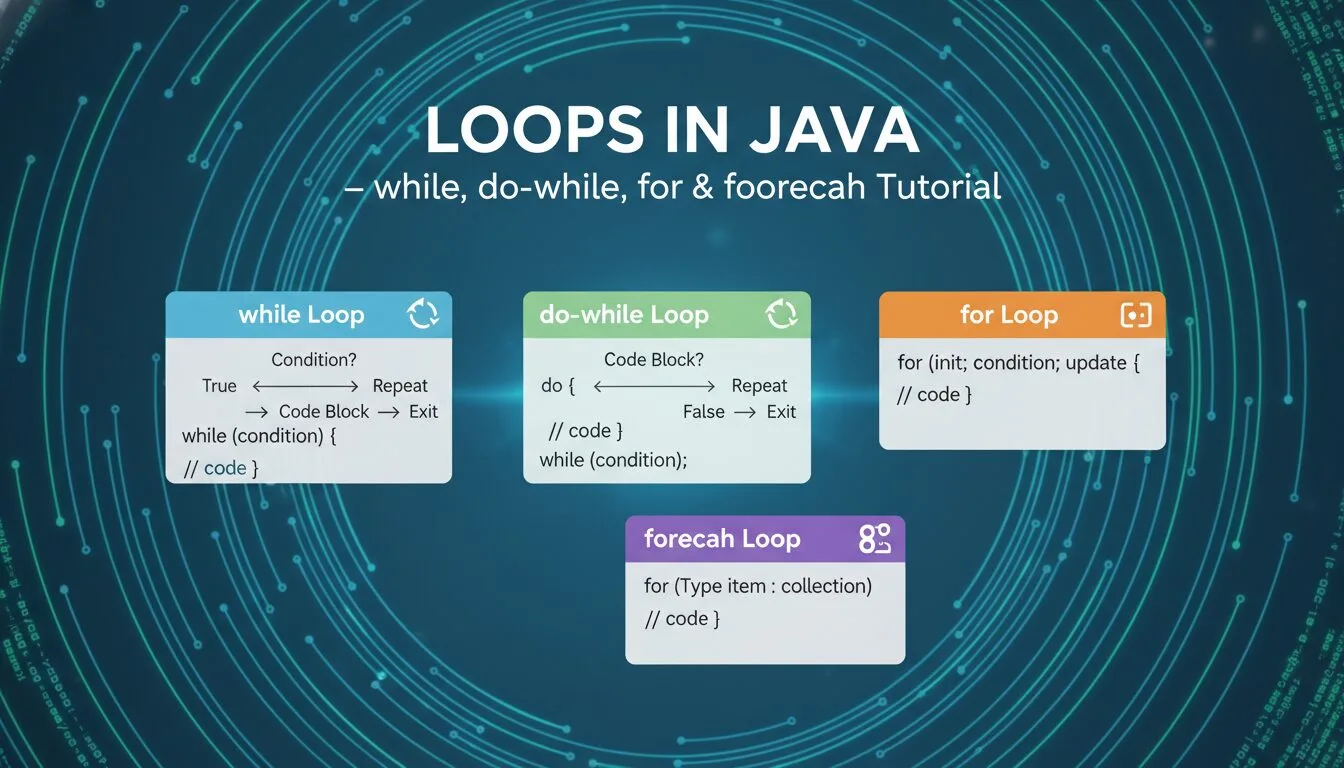
Mastering loops in Java is one of the most essential and frequently used skills in any Java tutorial for beginners — loops let you repeat code blocks efficiently, avoiding duplication and making programs scalable, readable, and maintainable. Whether you’re printing a list, processing arrays, validating user input, animating graphics, reading files, or running game loops, loops in Java are the foundation of almost every real-world application in 2025–2026.
In this complete loops in Java guide, you’ll learn:
- while loops (condition-first)
- do-while loops (run at least once)
- for loops (count-controlled)
- foreach (enhanced for) loops (collection iteration)
- How to avoid infinite loops
- Best practices, common mistakes & modern tips
All examples are tested in jshell (Java’s interactive REPL) — copy-paste to see instant results on Java 21 (LTS in 2025–2026).
Prerequisites
- Java 11+ installed (preferably 17 or 21 LTS)
- Ubuntu: sudo apt install openjdk-21-jdk
- Windows/macOS: https://adoptium.net/
- Terminal + jshell (type jshell to start)
- Basic knowledge of variables, data types & conditionals
1. while Loops – Condition-First Loops in Java
The classic while loop runs as long as a condition is true.
					int count = 1;

while (count <= 5) {
    System.out.println("Count: " + count);
    count++;                    // IMPORTANT: increment to avoid infinite loop
}
Output:
					Count: 1
Count: 2
Count: 3
Count: 4
Count: 5
Key rules:
- Condition checked before each iteration
- Use braces {} even for single statements
- Always include a way to make condition false (increment/decrement)
2. do-while Loops – Run-At-Least-Once Loops in Java
The do-while loop executes the block first, then checks the condition.
					int num = 6;

do {
    System.out.println("Number: " + num);
    num++;
} while (num <= 5);
Output:
Number: 6
Even though num <= 5 is false from the start, the block runs once — perfect for menus, input validation, or “try again” loops.
3. for Loops – Count-Controlled Loops in Java
The most popular loop when you know the number of iterations.
					for (int i = 1; i <= 5; i++) {
    System.out.println("Iteration: " + i);
}
Output:
					Iteration: 1
Iteration: 2
Iteration: 3
Iteration: 4
Iteration: 5
Three parts inside parentheses:
- Initialization: int i = 1 (runs once)
- Condition: i <= 5 (checked before each iteration)
- Update: i++ (runs after each iteration)
4. foreach (Enhanced for) Loops – Best for Collections in Java
Iterates over arrays, lists, sets, etc. — clean and safe.
					int[] numbers = {10, 20, 30, 40, 50};

for (int num : numbers) {
    System.out.println("Number: " + num);
}
Output:
					Number: 10
Number: 20
Number: 30
Number: 40
Number: 50
Advantages:
- No index needed
- No risk of off-by-one errors
- Readable: “for each num in numbers”
5. Infinite Loops – Common Pitfall in Loops in Java
Loops that never end — can crash programs or freeze.
Accidental infinite while:
					int x = 5;
while (x > 0) {
    System.out.println(x);
    // Forgot x-- → infinite loop!
}
Controlled infinite loop (used in servers/games):
					while (true) {
    // Game loop or server listen
    // Break when condition met
    if (someCondition) break;
}
Fix: Always ensure a termination path (increment, decrement, break).
6. Best Practices & Modern Tips (2025–2026)
- Prefer for or foreach when iterating known collections
- Use while for unknown iteration counts (user input, file reading)
- Avoid deep nesting — extract methods instead
- Use braces {} even for single lines — prevents bugs
- Prefer for-each over indexed loops when possible
- Add break/continue sparingly — clear conditions are better
- Use var (Java 10+) for cleaner loop variables:
for (var num : numbers) { ... }
Loops in Java – FAQ (2025–2026)
- What are the main loops in Java?
while, do-while, for, foreach (enhanced for) - When should I use do-while loops in Java?
When code must run at least once (menus, input validation) - How do I avoid infinite loops in Java?
Always include update (increment/decrement) or break condition - What’s the best loop for arrays in Java?
foreach: for (int num : array) { … } - How do I break out of a loop in Java?
break; exits immediately; continue; skips to next iteration
Summary
You now fully understand loops in Java: while, do-while, for, foreach, infinite loop prevention, and clean code practices.
Mastering loops in Java lets you process lists, repeat actions, handle user input, build games, read files, and create powerful, scalable programs.










