
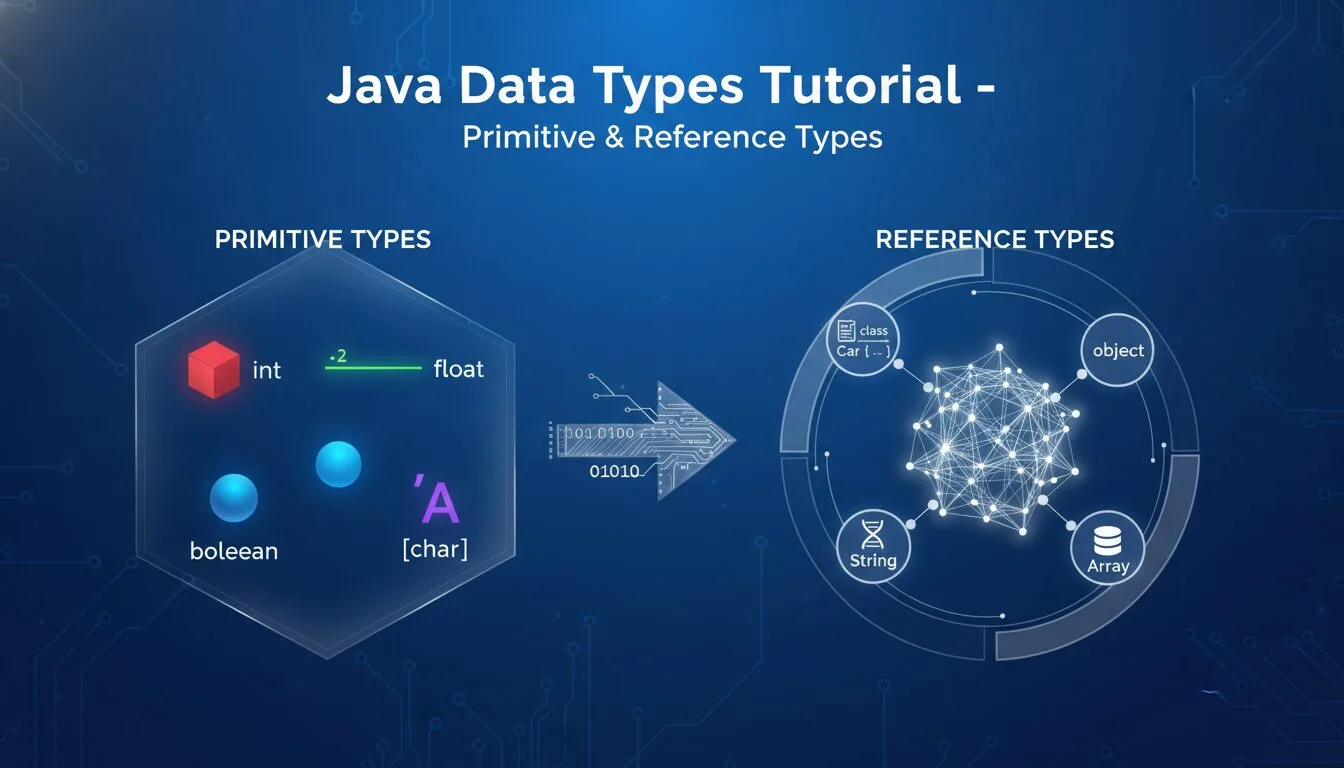
If you’re searching for a clear Java data types tutorial, you’re in the perfect place — understanding Java data types is one of the most foundational and frequently asked topics in any Java learning path. Java is a statically typed language, which means every variable must have a declared type before you use it. This strict typing catches errors early (at compile time), improves performance, makes code more predictable, and helps large teams maintain complex projects. In contrast, dynamically typed languages like Python or JavaScript let you skip type declarations, but you often find bugs only at runtime.
In this Java data types tutorial for beginners, you’ll master:
- Primitive types (int, boolean, char, double, etc.)
- Reference types (String, wrappers, arrays, custom classes)
- Literals (how values are written directly in code)
- The modern var keyword (local variable type inference)
- The special null literal
- Common beginner mistakes & best practices
All examples are tested on Java 21 (LTS in 2025–2026) and run perfectly in jshell (Java’s REPL).
Prerequisites
- Java 11+ installed (preferably 17 or 21 LTS)
- Ubuntu: sudo apt install openjdk-21-jdk
- Windows/macOS: Download from https://adoptium.net/
- Terminal + jshell (type jshell to start interactive mode)
- Optional: VS Code with Java Extension Pack
1. Primitive Types – The Building Blocks in Java Data Types Tutorial
Primitive types are the simplest, most efficient data types in Java. They store raw values directly (no objects) and always start with lowercase letters.
Common primitives:
| Type | Size | Range / Description | Example Literal |
|---|---|---|---|
| byte | 8 bits | -128 to 127 | byte b = 100; |
| short | 16 bits | -32,768 to 32,767 | short s = 10000; |
| int | 32 bits | -2,147,483,648 to 2,147,483,647 | int i = 42; |
| long | 64 bits | -9 quintillion to 9 quintillion (add L) | long l = 123456789L; |
| float | 32 bits | Single-precision decimal (add f) | float f = 3.14f; |
| double | 64 bits | Double-precision decimal (default for decimals) | double d = 3.14159; |
| char | 16 bits | Single Unicode character (single quotes) | char c = ‘A’; |
| boolean | 1 bit | true or false | boolean isFun = true; |
Try them in jshell:
					int answer = 42;
System.out.println("The answer is " + answer);

double pi = 3.14159;
System.out.println("Pi ≈ " + pi);

boolean javaIsFun = true;
System.out.println("Java is fun: " + javaIsFun);

char grade = 'A';
System.out.println("Your grade: " + grade);
2. Reference Types – Objects in Java Data Types Tutorial
Reference types point to objects (instances of classes) in memory. They start with capital letters and include built-in classes like String and wrapper classes (Integer, Boolean, etc.).
Most common reference types:
- String → Text sequences
- Wrapper classes → Object versions of primitives (Integer, Double, Boolean, etc.)
- Arrays → Collections of same-type elements
- Custom classes → Your own objects
String example:
					String greeting = "Hello, World!";
System.out.println(greeting);

// Or using constructor (less common now)
String hello = new String("Hello");
System.out.println(hello);
Wrapper classes example:
					Integer num = 42;                // Auto-boxing (literal → object)
Boolean isActive = true;
Double price = 99.99;

System.out.println(num + " is type " + num.getClass().getSimpleName());
3. Literals – Fixed Values in Java Data Types Tutorial
Literals are the actual values you write directly in code:
- Integer: 42, 1000L (long)
- Floating-point: 3.14, 3.14f (float)
- Character: ‘A’, ‘\n’ (newline)
- Boolean: true, false
- String: “Hello”
- Null: null (no object/reference)
Null example:
					String name = null;
System.out.println(name);           // Prints: null

// But this crashes (NullPointerException):
// name.length();                   // Can't call method on null
4. Modern Feature: var – Local Variable Type Inference
Since Java 10, you can use var for local variables — Java infers the type automatically.
					var message = "Hello";           // String
var count = 42;                  // int
var active = true;               // boolean

System.out.println(message + " " + count + " " + active);
Rules:
- Works only for local variables (inside methods)
- Must initialize immediately (Java needs value to infer type)
- Not allowed for fields, method parameters, or return types
5. Reserved Keywords – Cannot Use as Variable Names
You cannot name variables with Java’s reserved words: int, class, public, static, void, new, true, false, null, if, else, for, etc.
Full list: https://docs.oracle.com/javase/specs/jls/se21/html/jls-3.html#jls-3.9
6. Best Practices & Modern Tips (2025–2026)
- Prefer primitives when possible → faster, less memory
- Use wrappers only when you need objects (collections, generics)
- Use var sparingly — explicit types improve readability in teams
- Avoid null when possible → use Optional instead (Java 8+)
- Name variables clearly: userAge, isLoggedIn, totalPrice
- Use meaningful literals: 3.14159 → Math.PI
Java Data Types Tutorial – FAQ (2025–2026)
- What are the main types in Java data types tutorial?
Primitive (int, double, boolean, char) and Reference (String, Integer, arrays, custom classes). - How do primitives differ from reference types in Java?
Primitives store values directly; reference types store memory addresses to objects. - What is var in Java data types tutorial?
Local variable type inference (Java 10+) — var x = 42; infers int. - Can I assign null to primitives in Java?
No — only reference types can be null. - Why use wrapper classes in Java data types tutorial?
Needed for collections (List<Integer>), generics, and methods that expect objects.
Summary
You now understand every key concept in this Java data types tutorial: primitives (int, boolean, char, double), reference types (String, wrappers), literals, var, null, and reserved keywords.
Mastering Java data types is the foundation of writing clean, efficient, error-resistant Java code — essential for building apps, Android development, backend services, and more.










