
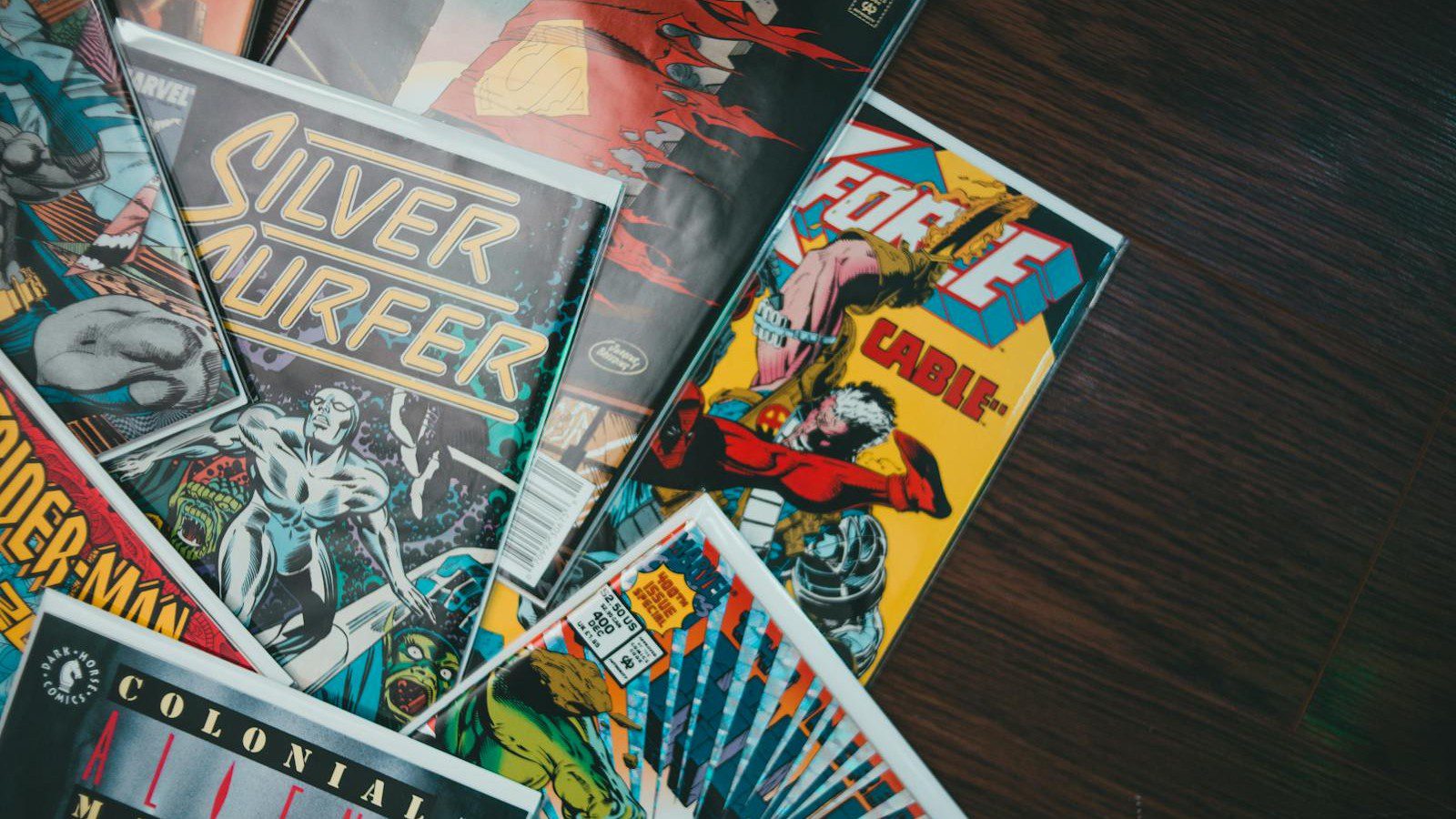
ComicInk is an AI comic creation platform built around a simple promise: turn a story idea into visual comic pages without asking the creator to draw every panel by hand. It brings script generation, character planning, page rendering, sharing, export options and creator-store tools into one workflow.
The product sits in a fast-moving category where generative AI is becoming less about single images and more about repeatable creative production. For comic makers, the difference matters because a comic is not one picture. It is a sequence of characters, poses, panels, dialogue, pacing and reader expectations.
This guide looks at ComicInk from a practical publishing perspective. It explains what the platform appears to offer, where it can help creators and educators, what buyers should check before relying on it, and how a serious workflow can turn AI pages into a finished comic project.
Table of contents
- What the platform is
- How the workflow fits creators
- Character consistency
- Pricing and credits
- Creator stores and sales
- Educator and classroom use
- Quality control and risk
- A practical adoption roadmap
- Frequently asked questions
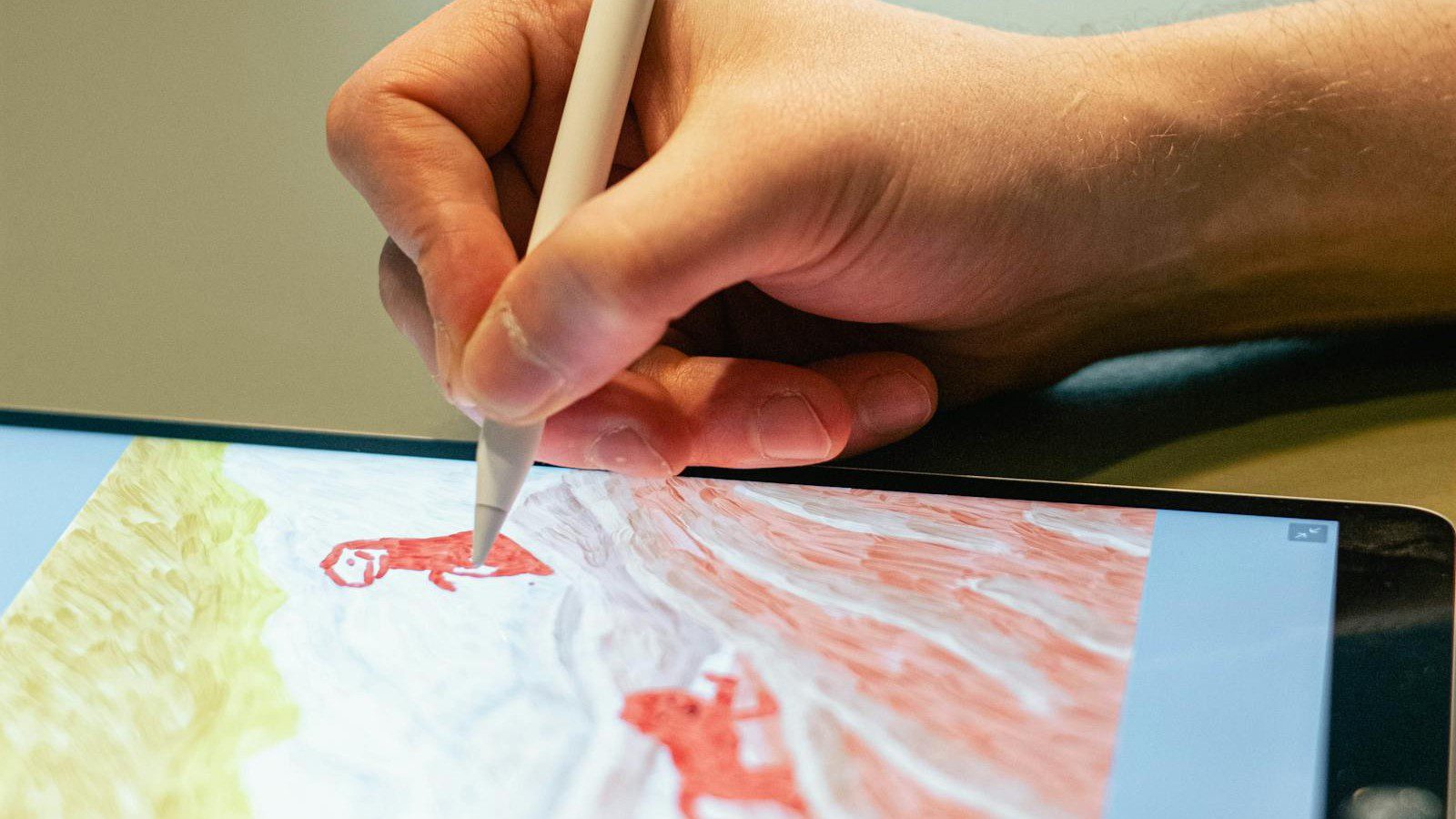
What the platform is
ComicInk describes itself as an AI comic book maker that helps users transform stories into visual comics. The official site highlights an AI comic maker, manga maker, story generator, character generator, comic strip maker and selling tools for creators.
That positioning is important because it moves beyond prompt-to-image novelty. A useful comic workflow has to support planning, continuity, layout, editing, sharing and publication. The value is not only the image model, but the structure around it.
The platform also offers a quick creation path, account-based creation, templates, gallery browsing and mobile access through the App Store. Those pieces suggest a product aimed at both casual experimentation and longer-form creative production.
Why AI comics are becoming a real category
AI image tools have been available for years, but comics create a tougher test. Readers notice when a hero’s face changes, when panels do not follow the script, or when speech bubbles fight the artwork for attention.
That is why a focused tool like ComicInk can matter. Instead of treating every image as an isolated generation, the product frames the process around comic pages, character references, panel descriptions and finished issues.
The category is also widening because many users are not professional illustrators. Teachers, marketers, indie writers, game designers, newsletter creators and young storytellers may all want sequential art without building a full production team.
How the workflow fits creators
The core ComicInk workflow starts with the story. A creator can describe a concept, shape a script, define characters and generate pages that combine panel layouts, images and dialogue into a readable sequence.
This matters because most unfinished comics fail before the first issue is complete. The blank page is not only visual. It includes plot structure, page pacing, character notes, art direction, cover ideas and publication decisions.
A guided workflow lowers that burden. It gives the creator an order of operations: write, define, generate, review, edit, export, publish and learn from reader response. That sequence is easier to repeat than a loose folder of prompts.
Script generation and editorial control
ComicInk’s official AI comic maker page says the platform can help generate a full comic script with panel descriptions, dialogue and pacing. That can speed early drafting, especially for creators who have an idea but not a polished page plan.
The best use is not blind acceptance. Writers should still check character motivation, scene order, jokes, exposition, continuity and emotional beats. AI can draft a structure, but the creator remains responsible for voice and story coherence.
A strong process is to ask for a draft, revise the issue outline, lock the key scenes, then generate pages from a stable script. That prevents expensive regeneration caused by vague story direction.
Character consistency is the hard part
The most valuable ComicInk claim for long-form comics is character consistency. The product page says creators can build character profiles with visual descriptions and references that help the AI keep a hero recognizable across pages.
Consistency is where many generic image tools struggle. A comic needs the same character to look like the same person in a close-up, a running pose, a quiet conversation and a dramatic cover panel.
Creators should still inspect output carefully. Hair shape, clothing details, age, facial structure, accessories and body proportions can drift across generations, so a review checklist is essential before publishing.

Art styles and audience fit
The official site says ComicInk supports multiple styles, including superhero action, manga, noir, watercolor, science fiction, cyberpunk and all-ages cartoon looks. Style variety helps creators match a story to a reader expectation.
A detective story may need shadow, texture and restraint. A classroom explainer may need bright characters and clear labels. A fantasy comic may need atmosphere, costumes and creature design. Style is not decoration; it shapes comprehension.
Creators should choose one visual direction early and keep it stable through an issue. Mixed styles can work as an artistic decision, but accidental variation makes the comic feel less professional.
Panel layout, speech and reading order
A good comic page is a reading system. The eye needs a clear path from panel to panel, dialogue must be legible, and important action should not be hidden behind speech bubbles or decorative effects.
ComicInk appears to handle page rendering with panel layouts and speech bubbles. That can save time, but creators still need to judge whether a page reads naturally on mobile, tablet, desktop and printed formats.
The practical test is simple. Show the page to someone who has not seen the script. If they can follow the action and understand who is speaking, the layout is doing its job.
Quick creation versus full production
The ComicInk homepage promotes a quick comic option that users can try without signup. That is useful for testing the feel of the tool before committing to a full creator account or paid credit pack.
Quick creation is best for prototypes, classroom demonstrations, jokes, short strips and early story experiments. It helps users discover whether the output style, prompt handling and interface match their expectations.
Full production needs more discipline. Longer issues require character planning, issue structure, revision passes, export checks, rights review, pricing decisions and a repeatable promotion plan.
Pricing and the credit economy
ComicInk uses credit-based pricing rather than a traditional monthly subscription model. The official pricing page says new accounts receive 100 free credits, and paid credit packs are positioned around page generation volume.
The page lists 50 credits for comic pages, 50 credits for cover art, 10 credits for additional characters and free world or setting creation. It also says credits never expire, which is helpful for creators working in bursts.
The most important buying habit is budgeting before generation. A creator should estimate the number of pages, covers, character variants and likely regeneration attempts before choosing a pack.
How to budget a comic issue
A practical ComicInk budget starts with page count. A short eight-page issue, a one-shot, a classroom worksheet and a 40-page first chapter have very different credit needs and review workloads.
Creators should leave room for revisions. The first output may not capture the emotion, perspective, costume or page flow correctly. A serious project should assume some pages will need new attempts.
Budgeting also includes time. Even when generation is fast, the creator still needs to proof dialogue, check panels, export files, write descriptions, set prices and prepare social posts or classroom instructions.
Creator stores and direct selling
ComicInk’s sell-comics-online page describes branded creator stores with custom slugs, issue catalogs, social links, instant reading, mobile-friendly storefronts and Stripe Connect payments.
The page also describes a 70/30 revenue split in the creator’s favor and per-issue pricing starting from $1.49. That makes the platform more than a generation tool; it becomes a light publishing and commerce layer.
Direct selling will not remove the need for audience building. A store gives creators a place to send readers, but discoverability still depends on newsletters, social clips, communities, collaborations and consistent releases.

Analytics and creator learning loops
The official selling page says ComicInk includes analytics for store views, unique visitors, issue purchases and revenue trends. Those numbers are valuable when creators use them to make editorial decisions.
A creator can compare covers, issue titles, release timing, social posts, genres and price points. The question is not only whether a comic sold, but which promise attracted readers and what kept them reading.
Analytics should be treated as feedback, not as a replacement for taste. Comics still need voice, pacing and a reason to care. Numbers can show attention, but they cannot create a memorable character by themselves.
Educator and classroom use
ComicInk has a dedicated educators page that frames comics as a way to improve comprehension, recall and engagement. The page highlights STEM, history, language learning and social-emotional learning as possible classroom uses.
This is a natural fit because comics make sequences visible. A teacher can turn the water cycle, a math proof, a historical debate or a safety procedure into panels that students can discuss and remember.
The most useful classroom projects make students explain ideas, not just decorate them. A comic assignment can ask students to summarize a process, show cause and effect, write dialogue or compare perspectives.

Language and accessibility possibilities
The educator page says ComicInk supports multi-language dialogue generation, including languages such as English, Spanish, French, German, Japanese, Korean, Mandarin, Portuguese, Hindi and Arabic.
That could help multilingual classrooms and language learners because visual context supports understanding. Students can infer meaning from character action, setting and expression while reading new vocabulary in dialogue.
Accessibility still requires teacher judgment. Text size, contrast, speech bubble order, image complexity and cultural context all affect whether a comic helps learners or creates another barrier.
Students as creators
The strongest educational use of ComicInk may be student creation. When learners make comics, they must decide what matters, arrange information, write concise dialogue and communicate a concept to someone else.
That turns a lesson into a design problem. Students have to choose the moment, the character, the sequence and the wording. Those choices reveal understanding in a way that a copied paragraph cannot.
Teachers should define boundaries before the project begins. A rubric can cover accuracy, narrative clarity, respectful representation, citation of sources, readable layout and reflection on the creative process.
Business and team use cases
ComicInk is not limited to entertainment. Businesses could use comic-style explainers for onboarding, safety training, internal campaigns, product education, customer stories and social media content.
Comics work well when a process needs to feel human. A support scenario, security awareness lesson, software walkthrough or customer journey can become easier to remember when shown as a short visual story.
Teams should avoid making everything cute. The format works best when tone matches the audience, the message is specific and the comic explains one clear idea rather than trying to replace full documentation.
Export, sharing and publication
The ComicInk homepage highlights export-ready PDFs, sharing and a built-in flipbook reader. Those features matter because the final destination changes how a page should be designed and reviewed.
A social strip, a classroom handout, a paid digital issue and a printed zine all have different constraints. Creators should check resolution, margins, text size, page order and whether the file remains readable after compression.
Publication also needs metadata. Titles, descriptions, issue numbers, cover art, pricing, content warnings and preview images help readers understand what they are buying or opening.
Rights, originality and responsible use
A responsible ComicInk workflow should include a rights check. Creators should avoid asking AI tools to imitate living artists, copyrighted characters, protected franchises or private people without permission.
Original prompts, original characters and clear genre direction are safer than copying a famous visual identity. This also makes the final comic stronger because readers are meeting a new world rather than a thin imitation.
Creators selling comics should review the platform terms, export rights, payment rules and any restrictions on generated content. Legal clarity is part of publishing quality, not a late administrative detail.
Quality control before release
Quality control is where ComicInk users can separate a playful experiment from a publishable issue. The checklist should include story continuity, character consistency, readable dialogue, panel order, spelling and visual artifacts.
Creators should read the comic in the same format readers will use. A page that looks fine on a large monitor may feel cramped on a phone, while a print export may expose small text or low-contrast bubbles.
A second reader helps. They can catch confusing action, repeated lines, awkward pacing and jokes that only make sense to the writer. AI does not remove the need for editorial feedback.
How it compares with a traditional toolchain
A traditional comic pipeline may involve a writer, penciler, inker, colorist, letterer, editor, designer and storefront. ComicInk compresses parts of that pipeline into a product workflow for solo creators and small teams.
The tradeoff is control. A human artist can make precise choices, solve unusual visual problems and build a signature style. AI generation is faster, but it may require regeneration and compromise.
The strongest use may be hybrid. Creators can use AI for drafts, prototypes, educational materials or indie experiments, then bring human editing, design or illustration into projects that need a higher finish.
Limitations to investigate before relying on it
Before depending on ComicInk, creators should test the exact workflow they care about. A feature page can explain the promise, but a sample issue reveals whether the output suits a specific genre, age group and publishing goal.
Questions to test include how often characters drift, how much control users have over layout, whether speech bubbles need editing, how exports behave, and how well the store experience converts visitors into readers.
Creators should also check support expectations, refund terms, payment availability, regional Stripe rules, content policies, account controls and whether credits fit their production rhythm.
Account, payment and data considerations
Because ComicInk includes accounts, stores and payments, creators should treat it like a publishing platform rather than a toy. Account security, payment setup and content backups all matter.
Use a strong password, protect email access and keep copies of finished files, scripts, covers and issue metadata outside the platform. A creator store becomes part of a small business workflow once money is involved.
Educators and teams should be especially careful with student data, private client content and internal training material. Do not upload sensitive information unless the policy and risk review allow it.
A creator strategy for standing out
The biggest challenge for ComicInk creators will not be making one comic. It will be making a comic people remember. The tool can reduce production friction, but audience trust still comes from taste and consistency.
Creators should define a niche, release schedule and reader promise. Examples include weekly science explainers, cozy fantasy shorts, horror one-shots, classroom history stories or product tutorials with recurring characters.
A repeatable format helps. Readers are more likely to return when they know the tone, length, genre and update rhythm. A creator store then becomes a destination rather than a random file shelf.
Marketing comics after publication
ComicInk can provide a store and shareable reading experience, but creators still need marketing habits. A launch should include preview panels, a clear hook, creator notes, social posts and a reason for readers to follow the next issue.
Short videos, panel reveals, behind-the-scenes prompts, character cards and reader polls can all help turn a finished issue into ongoing conversation. The goal is to build interest without giving away every page.
For educators and businesses, promotion may mean internal distribution rather than public marketing. The same principle applies: explain why the comic matters, where to read it and what action should happen next.
A practical adoption roadmap
A sensible ComicInk adoption plan starts small. In week one, create a short test comic with one character, one setting and a simple conflict. The goal is to understand the interface and output behavior.
In week two, revise the workflow. Build a character sheet, test two art styles, create a cover, export the result and ask a reader where the story or layout becomes unclear.
In week three and beyond, decide whether the tool fits a recurring project. If it does, set quality standards, credit budgets, release cadence, backup habits and a promotion checklist before scaling up.
Checklist before publishing an issue
Before publishing a ComicInk issue, review every page for character drift, missing props, unreadable text, accidental artifacts, confusing panel order, spelling errors and inconsistent tone.
Then review the business layer. Confirm title, cover, description, price, preview image, store branding, social links, payment setup and whether readers can understand what the issue is about in five seconds.
Finally, archive the assets. Save the script, cover, exported PDF, page images, metadata and any store copy. Good file hygiene makes later revisions, translations and sequels much easier.
The practical verdict
ComicInk is interesting because it treats AI comic creation as a workflow, not just a gallery of generated pictures. Its strongest appeal is the combination of scripting, character planning, page generation, exports and creator-store tools.
The platform will be most useful for creators who can bring strong ideas, revise carefully and think about readers. It may also help educators and teams turn information into visual sequences that are easier to discuss.
The right expectation is acceleration, not magic. AI can help make comics faster, but finished work still needs story judgment, ethical choices, editing, layout review and a clear publication strategy.
Frequently asked questions about ComicInk
What is ComicInk?
ComicInk is an AI comic creation platform for turning story ideas into visual comic pages. It includes tools for scripts, characters, page generation, sharing, exports and creator stores.
Is ComicInk only for professional artists?
No. The product is positioned for creators, educators and storytellers who may not draw every panel themselves. Professional artists may still use it for ideation, prototyping or production experiments.
How does ComicInk pricing work?
The official pricing page describes a credit model. New users receive free credits, paid packs can be bought as needed, and the listed generation costs vary by page, cover and additional character work.
Can creators sell comics made with ComicInk?
The official selling page describes creator stores, per-issue pricing, Stripe Connect payments, analytics and a 70/30 revenue split in the creator’s favor.
What should users check before publishing with ComicInk?
Users should check character consistency, dialogue readability, rights, export quality, store setup, pricing, backups, payment terms and whether the final issue gives readers a strong reason to continue.
Bottom line
ComicInk shows where AI creative tools are heading: toward complete workflows that help people plan, generate, publish and sell finished projects. For comics, that workflow approach is more useful than a one-off image generator.
The opportunity is real for indie creators, teachers and small teams that need visual storytelling without a full art department. The caution is also real: a readable comic still depends on editorial taste, clear rights, careful review and a publishing plan.
If ComicInk continues improving consistency, layout control and commerce features, it could become a practical bridge between raw story ideas and reader-ready comic products.
References and further reading
More AI coverage: explore Progressive Robot's AI Models, Tools & Releases hub — hands-on reviews, setup guides and benchmarks in one place.










