
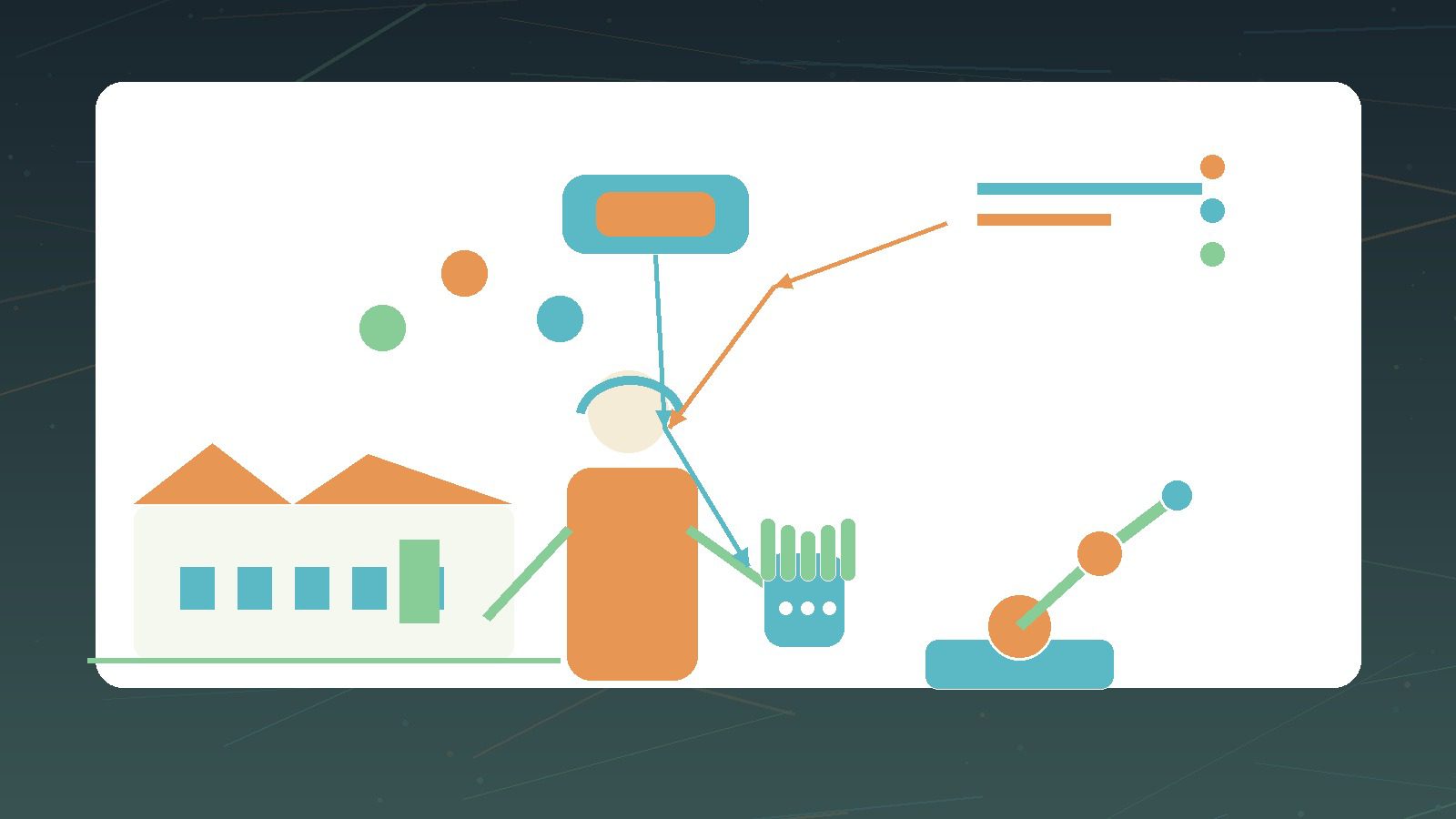
Haptic IT Support is the next step after remote desktop, phone support, and Zoom screen-sharing for manufacturers that need expert help on physical equipment. The old remote-support model works well when the problem is a laptop, an ERP screen, a printer driver, or a cloud app. It works less well when the problem is a packaging line, a CNC controller, a robotic cell, a sensor cabinet, a PLC enclosure, or a production machine where the engineer needs to see, point, feel, and guide a safe action.
The practical shift is from “show me your screen” to “show me the machine.” AR headsets, rugged tablets, smart glasses, VR training rooms, and haptic gloves are changing how remote experts support frontline technicians. A remote specialist can annotate the worker’s field of view, overlay a wiring route, compare the live asset to a digital model, and guide a competent onsite person through a diagnostic step. With haptic gloves, that support can move closer to physical training and controlled remote rehearsal: resistance, vibration, palm pressure, tool feel, switch feel, and component handling can be simulated before the technician touches the real asset.
Haptic IT Support matters because UK manufacturing has a workforce, downtime, and skills problem wrapped into one. Specialist engineers are expensive to move between sites. Rural and regional factories cannot always get OEM support quickly. Small manufacturers may have one person who understands a line. Younger technicians need safe ways to learn rare repair tasks. Experienced engineers need to help more sites without spending half the week in a van.
This is not science fiction, but it is also not a magic glove that lets anyone repair anything. The useful version of Haptic IT Support combines remote expert assistance, AR visual guidance, haptic training, device security, safe maintenance procedures, network resilience, and a clear rule: the competent onsite person remains responsible for safe physical work.
The UK context matters. The Made Smarter Review frames UK manufacturing transformation around industrial digital technology adoption, especially for SMEs. The advanced manufacturing plan highlights digital manufacturing technologies, supply-chain resilience, cost reduction, and long-term competitiveness. Those goals sound strategic, but on the factory floor they often become a simpler question: can the business fix equipment faster, safer, and with less travel?
Haptic IT Support is one answer, provided it is designed as an operational support system rather than a gadget trial.
What Haptic IT Support means

Haptic IT Support is a remote technical support model that uses AR, VR, connected wearables, and tactile feedback to help technicians diagnose, rehearse, and complete physical repair tasks with expert guidance.
It can include several layers:
| Layer | What it does |
|---|---|
| Video assistance | Lets a remote expert see the machine, tool, cabinet, or part. |
| AR annotation | Places arrows, labels, diagrams, checklists, or warnings in the worker’s view. |
| Digital work instructions | Converts repair procedures into guided steps with evidence capture. |
| VR rehearsal | Lets technicians practise rare or risky tasks in a simulated environment. |
| Haptic gloves | Add force feedback, vibration, hand tracking, and tactile cues to training or remote rehearsal. |
| Asset integration | Links the session to manuals, maintenance logs, IoT data, ERP records, and service tickets. |
| Governance | Controls who can guide, record, approve, and close a repair action. |
The difference from Zoom screen-sharing is physical context. A screen share assumes the problem is visible on a computer display. Haptic IT Support assumes the problem may be inside a physical process: a jammed feed, a loose connector, an unusual vibration, a failed sensor, a valve position, an alarm pattern, a misaligned guard, or a maintenance step that needs hand-eye judgement.
Industrial AR is already moving in this direction. TeamViewer Frontline describes AR use cases for assembly, production, inspection, maintenance, remote assistance, training, onboarding, and warehouse work. SenseGlove Nova 2 describes haptic gloves with force feedback, vibrotactile feedback, active contact feedback, and finger tracking for VR training. ETSI’s next-generation technologies work includes AR frameworks for components, systems, services, modular architecture, and interoperability.
Haptic IT Support sits at the intersection of these trends. It is not just remote meeting software. It is support for physical work.
Why screen-sharing is not enough on the shop floor
Zoom-style support solved one class of problem: the remote expert can see the user’s screen and talk through a fix. That works when the system is digital and the action is reversible. It is weaker in manufacturing because the important context is often outside the screen.
A technician may need to know which isolation point to check, which connector is safe to touch, whether a component is hot, whether a guard is fitted, whether a fault light is steady or flashing, whether a tool is correctly seated, whether a replacement part is identical, or whether a sound or feel is normal. Those are physical signals.
Haptic IT Support can improve the support loop in five ways:
- The remote expert sees the machine instead of only hearing a description.
- The onsite technician receives visual guidance without looking away from the task.
- Repair steps can be captured as evidence, not just discussed in a call.
- VR rehearsal lets staff practise uncommon procedures before production pressure hits.
- Haptic feedback can simulate pressure, resistance, impact, or tool handling for training.
The real benefit is not novelty. The benefit is reducing confusion during non-routine work. HSE guidance on maintenance of work equipment is blunt about why this matters: unsafe maintenance has caused fatalities and serious injuries, and maintenance must be planned and carried out correctly. It also notes that poor planning and unclear communication before maintenance can cause confusion and accidents.
Haptic IT Support should therefore be judged by whether it makes the work clearer, safer, faster, and better documented.
The safety baseline for UK manufacturing

No headset or glove overrides UK safety obligations.
The PUWER framework covers work equipment, inspection, maintenance, training, competence, and mobile work equipment. HSE’s maintenance guidance says work equipment must be maintained in efficient order and good repair, maintenance logs should be kept up to date where required, and maintenance operations must be carried out safely.
For Haptic IT Support, that means the remote expert cannot casually talk an untrained worker into a high-risk action. The onsite person must be competent for the work, have proper information and instruction, and follow the site’s safe system of work. High-risk equipment may need isolation, lock-off, release of stored energy, permits to work, guards, barriers, signs, PPE, and supervision.
The technology should reinforce these controls. It should not bypass them.
Good Haptic IT Support sessions should require:
| Safety control | Why it matters |
|---|---|
| Competence check | Confirms the onsite person is allowed to perform the task. |
| Asset confirmation | Prevents the expert guiding the wrong machine, line, cabinet, or part. |
| Isolation evidence | Confirms power, motion, pressure, heat, stored energy, or hazardous material has been controlled. |
| Step approval | Separates diagnostic observation from physical intervention. |
| Stop rule | Lets either party pause when visibility, audio, PPE, access, or safety status is unclear. |
| Maintenance log update | Keeps evidence tied to the asset and service ticket. |
This is the first rule of Haptic IT Support in UK manufacturing: remote guidance can extend expertise, but it must not dilute responsibility.
9 critical checks for Haptic IT Support
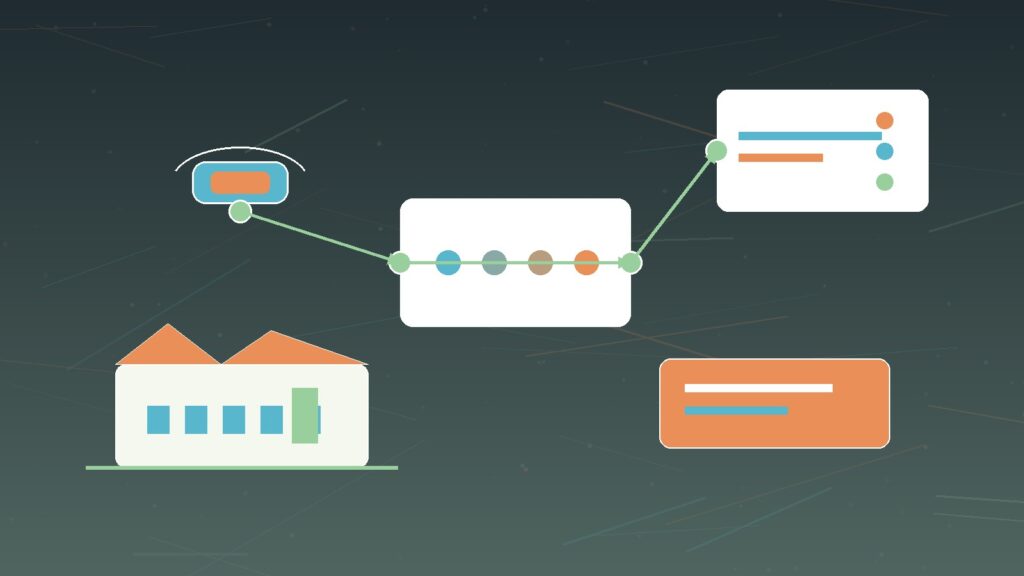
1. Choose the right repair use cases
Not every repair task belongs in AR, VR, or haptic gloves.
Start with use cases where remote expert visibility and guided steps add value without pushing unqualified people into dangerous work. Good candidates include first-line diagnosis, visual inspection, sensor replacement guidance, cabinet identification, part verification, routine calibration support, training on common faults, and pre-visit triage for OEM engineers.
Haptic IT Support is strongest where the onsite technician is already competent but needs expert context, confirmation, or coaching. It is weaker where the task requires a specialist contractor, statutory inspection, high-voltage work, confined-space entry, hot work, hazardous substances, or intrusive machine repair beyond the onsite person’s competence.
Use a simple use-case matrix:
| Task type | Haptic IT Support fit |
|---|---|
| Visual diagnosis | Strong fit. AR annotation and remote expert view are useful. |
| Routine part replacement | Good fit if competence and isolation controls are clear. |
| Rare procedure training | Strong fit for VR and haptic rehearsal. |
| Safety-critical repair | Possible only with strict approval, permits, and competence controls. |
| High-risk specialist work | Usually not a fit for remote guidance alone. |
| Warranty/OEM repair | Fit depends on supplier permission and evidence requirements. |
The question is not “Can we make this immersive?” The question is “Can this reduce downtime while improving clarity, safety, and evidence?”
Progressive Robot’s guide to AI Process Redesign makes a useful point here: technology works best when the process has been redesigned around ownership, evidence, escalation, and review. Haptic IT Support needs the same discipline.
2. Keep the onsite technician in control
The remote expert should guide, not override.
That matters because a manufacturing repair is not a software click. The onsite technician has the physical environment in front of them. They can see the floor condition, hear nearby work, feel heat, check lock-off, judge access, and stop if something changes. The remote expert may have deeper asset knowledge, but they do not have the full physical context.
Haptic IT Support should define roles before the session starts:
- The onsite technician controls physical action.
- The remote expert provides diagnostic guidance and step confirmation.
- The supervisor approves high-risk work.
- The safety owner defines stop rules.
- IT controls device access, recording, and network policy.
- The maintenance system records the final evidence.
This role split prevents a dangerous pattern where a remote person becomes a shadow operator. The expert can say, “Check the label,” “compare this connector,” or “do not proceed until isolation is confirmed.” They should not create pressure to rush or bypass the site’s method statement.
Haptic IT Support should also include a human factors check. Can the technician hear clearly? Is the headset comfortable? Does the display obscure peripheral vision? Are gloves compatible with PPE? Does the haptic feedback distract from real-world sensation? Can the worker remove the device quickly if the situation changes?
If the technology makes the person less aware of the actual machine, it is not support. It is risk.
3. Build the AR workflow around safe maintenance steps
Haptic IT Support should map to the site’s maintenance process rather than sitting beside it.
The AR workflow should begin before the repair action. It should ask: which asset, which fault, which technician, which remote expert, which permit, which isolation state, which tools, which spare part, which PPE, which procedure, and which evidence is required?
For manufacturing teams, this turns the haptic or AR session into a controlled workflow:
- Confirm asset and fault.
- Confirm competence and authorisation.
- Confirm safe access.
- Confirm isolation and stored-energy controls.
- Capture pre-work evidence.
- Run guided diagnostic steps.
- Pause for approval before physical intervention.
- Capture post-work evidence.
- Update the maintenance record.
HSE maintenance guidance says employers should plan work carefully, use manufacturer maintenance instructions where possible, make sure maintenance staff are competent, and use safe isolation. Haptic IT Support should make those steps harder to miss.
The best implementation does not just put arrows in a headset. It turns repair knowledge into a step-by-step support process with evidence gates.
4. Treat haptic gloves as training and rehearsal first
Haptic gloves are compelling, but the safest business case usually begins with training.
SenseGlove’s Nova 2 product material describes active contact feedback, force feedback, vibrotactile feedback, and finger tracking. Those capabilities are useful because many manufacturing tasks are not purely visual. A technician may need to understand resistance, click feel, part seating, grip pressure, tool angle, or the difference between normal and abnormal handling.
Haptic IT Support should use gloves first for:
- VR repair rehearsal.
- Tool-handling practice.
- Rare fault training.
- New starter onboarding.
- OEM procedure familiarisation.
- Remote expert demonstration.
- Skills assessment before live work.
This approach avoids overselling remote physical control. In most SME manufacturing environments, haptic gloves will not let a remote engineer safely “feel” a live machine in the same way an onsite engineer does. Latency, sensor fidelity, PPE, safety context, and machine risk all limit that idea.
But haptic rehearsal can still be valuable. It lets staff practise the sequence before they stand beside the equipment. It can reduce the need for the first attempt to happen during a breakdown. It can help a remote expert show a technique in a shared virtual model before the onsite person performs the real-world step.
Haptic IT Support becomes practical when it uses tactile feedback to improve preparation, not to pretend distance has disappeared.
5. Design for industrial connectivity and fallback
AR and haptic support depend on connectivity.
That does not mean every session needs ultra-low-latency 5G or private wireless. It does mean the business should design for the actual factory environment: metal structures, moving equipment, RF interference, thick walls, remote yards, cold stores, mezzanines, noisy lines, and areas where Wi-Fi was never built for video support.
Haptic IT Support needs network planning for:
- AR video uplink from the worker’s device.
- Voice reliability in noisy areas.
- Low-latency annotations.
- Secure remote expert access.
- Segmentation away from OT control networks.
- Offline or degraded-mode work instructions.
- Fallback to phone, tablet, or still images.
- Satellite or secondary WAN where sites are rural.
The network should be tested under real conditions. A quiet office demo proves little. Test beside the line, inside the workshop, near the machine cabinet, during production noise, and with the same PPE the technician will use.
Progressive Robot’s guide to Satellite-as-a-Service is relevant for rural-edge sites where the issue is not only factory Wi-Fi but WAN resilience. Remote support fails if the site loses its only connection during a breakdown.
For many SMEs, the right design is layered: reliable factory Wi-Fi or private wireless for local coverage, a secure remote access path, and independent WAN failover for critical support windows.
6. Secure devices, identities, vendors, and recordings
Haptic IT Support introduces new endpoints and new data flows.
Headsets, tablets, smart glasses, haptic gloves, controllers, remote expert portals, recorded sessions, asset images, floor layouts, machine IDs, service logs, and vendor accounts all become part of the security surface.
NCSC’s device security guidance is a useful baseline because it covers choosing, configuring, managing, and securing devices. NCSC’s supply chain security guidance warns that organisations rely on suppliers for products, systems, and services, and that supply-chain vulnerabilities can cause damage and disruption.
For Haptic IT Support, the security checklist should include:
| Control | What to check |
|---|---|
| Device enrolment | Headsets and tablets should be managed, patched, encrypted, and removable from service. |
| Identity | Remote experts need named accounts, MFA, role-based access, and rapid offboarding. |
| Session approval | Vendors should not be able to join live factory support without authorisation. |
| Recording policy | Decide when sessions are recorded, where they are stored, and who can access them. |
| OT segmentation | AR support traffic should not create uncontrolled access to production control networks. |
| Supplier assurance | Review vendor security, support access, data processing, and subcontractors. |
| Evidence retention | Keep maintenance evidence without hoarding sensitive video forever. |
Progressive Robot’s guide to identity-first security applies directly. Remote repair support is only as safe as the identities controlling it.
This is also why Cyber Essentials UK Supply Chain Trust matters. If an AR support supplier can see factory assets, join sessions, or access service records, supplier controls are not paperwork. They are operational protection.
7. Integrate with maintenance, IoT, and digital twins
Haptic IT Support becomes more useful when it is connected to the systems that already know the asset.
At minimum, the support session should link to the maintenance ticket and asset record. The remote expert should see the model number, serial number, recent faults, parts history, manuals, warranty status, and previous repair notes. The technician should not have to read a serial plate out loud while standing beside a noisy machine if the system can present the asset context.
For more advanced manufacturers, haptic and AR support can connect to IoT telemetry and digital twins. A remote expert might compare live sensor readings with historical patterns, overlay a diagram on the machine, or use a virtual model to show where a component sits behind a guard.
Progressive Robot’s Digital Twins 2027 guide explains why focused virtual models can help manufacturing teams understand assets, workflows, and operational decisions. Haptic IT Support is a natural companion: the virtual model gives context, while the AR/haptic session supports the person doing the work.
The integration plan should avoid overbuilding. Start with practical links:
- Asset ID.
- Maintenance ticket.
- Procedure library.
- Spare-parts list.
- Photos and video evidence.
- IoT alarms and last-known readings.
- Post-repair test results.
The goal is not to create a cinematic metaverse factory. The goal is to give the expert and technician the right context at the point of repair.
8. Measure downtime, first-time fix, and safety quality
Haptic IT Support should be measured like an operational improvement, not a showcase.
Useful metrics include:
| Metric | Why it matters |
|---|---|
| Mean time to diagnose | Shows whether remote expert visibility reduces delay. |
| Mean time to repair | Shows whether guided steps reduce downtime. |
| First-time fix rate | Shows whether support prevents repeat visits or failed repairs. |
| Engineer travel avoided | Shows cost and carbon impact. |
| Escalation accuracy | Shows whether remote triage sends the right specialist when needed. |
| Safety stop rate | Shows whether workers pause when conditions are unclear. |
| Evidence completeness | Shows whether logs, photos, approvals, and test results are captured. |
| Training transfer | Shows whether VR/haptic rehearsal improves live performance. |
| User acceptance | Shows whether technicians actually trust and use the system. |
Do not measure only speed. Faster unsafe maintenance is not progress. Haptic IT Support should reduce confusion and downtime while improving evidence quality and safety discipline.
This is where the technology can help management see the repair process clearly. If the same machine keeps needing remote support, the issue may be spare-parts quality, training, maintenance planning, network instability, or a design problem. The AR session becomes evidence for process improvement.
9. Pilot with one line, one asset family, and one support partner
The fastest way to waste money is to buy headsets, gloves, and software before the workflow is ready.
Start with one production line, one asset family, or one recurring fault category. Choose a support partner or OEM who is willing to participate. Define the maintenance process, session roles, safety gates, evidence fields, device controls, and success metrics. Train a small group of technicians. Test in the real environment. Run a limited pilot. Review the evidence.
Haptic IT Support pilots should answer these questions:
- Did the technician understand the guidance?
- Did the remote expert get enough context?
- Did the workflow respect safety controls?
- Did the device work with PPE and factory noise?
- Did the network hold up?
- Did the maintenance record improve?
- Did downtime reduce?
- Did staff want to use it again?
- Did the supplier handle security and support properly?
Only then should the business scale to more lines, more vendors, or haptic training modules.
For UK SMEs, this staged approach fits the Made Smarter message: industrial digital technology adoption needs leadership, adoption, and innovation, not random tools. Haptic IT Support should be a measured capability, not a headset cupboard.
Reference architecture for Haptic IT Support

A practical architecture has eight layers:
| Layer | Purpose |
|---|---|
| Field device | AR headset, rugged tablet, smart glasses, camera, microphone, and optional haptic gloves. |
| Identity and access | Named users, MFA, role-based access, vendor approval, and session permissions. |
| Connectivity | Factory Wi-Fi, private wireless, wired dock, secondary WAN, or satellite failover. |
| Remote assistance platform | AR annotation, video, voice, recording, work instructions, and expert escalation. |
| Haptic/VR training | Simulated tasks, tactile feedback, tool handling, and rare fault rehearsal. |
| Maintenance integration | CMMS/EAM ticket, asset record, procedure, parts list, and evidence capture. |
| OT boundary | Segmentation, firewall policy, read-only telemetry where appropriate, and no uncontrolled control access. |
| Governance | Safety rules, supplier assurance, retention, metrics, and continuous improvement. |
This architecture keeps Haptic IT Support grounded. The headset is only one layer. The real value comes from connecting people, process, safety, evidence, and security.
Procurement checklist
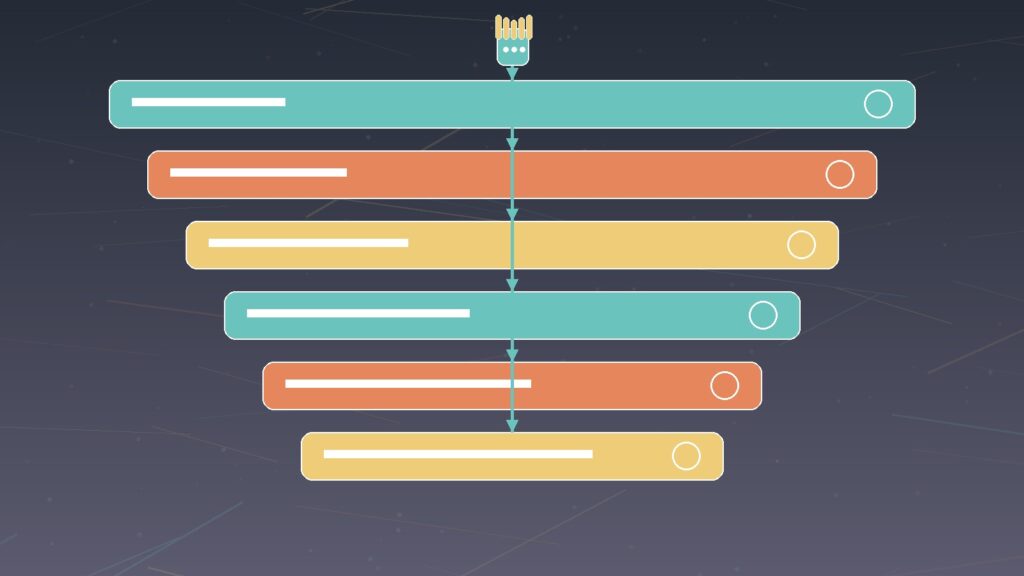
Before buying, ask suppliers and internal teams these questions:
| Area | Procurement question |
|---|---|
| Use case | Which repair, inspection, or training workflow is this for? |
| Safety | How does the product support isolation, permits, competence, stop rules, and evidence? |
| Devices | Which headsets, tablets, gloves, and PPE combinations are supported? |
| Haptics | Is tactile feedback needed for live support, training, or both? |
| Integration | Can it link to maintenance tickets, asset records, manuals, and IoT data? |
| Security | How are devices managed, users authenticated, sessions approved, and recordings protected? |
| Connectivity | What happens when bandwidth drops, audio fails, or the site loses WAN? |
| Supplier control | Who can access sessions, data, logs, support portals, and updates? |
| Evidence | Can the session produce a maintenance record that auditors and engineers can use? |
| Exit | Can data be exported and access revoked if the supplier changes? |
These questions prevent Haptic IT Support from becoming another isolated digital pilot.
What to avoid
Avoid using Haptic IT Support as a shortcut around proper training. A remote expert cannot make an unqualified person competent by talking into a headset.
Avoid connecting AR support tools directly into OT control environments without segmentation and a clear access model. Video support and control access are different risks.
Avoid recording everything by default. Factory video may reveal IP, customer work, staff behaviour, safety incidents, security layouts, or commercially sensitive processes.
Avoid assuming haptic gloves are needed for every use case. Many manufacturers will get faster value from AR remote assistance, structured work instructions, and better asset data before adding tactile training.
Avoid pilots that measure only excitement. Measure repair outcomes, safety evidence, user acceptance, and repeatability.
Haptic IT Support should make hard work easier to perform correctly. If it creates extra admin, unclear accountability, or unsafe confidence, it is not ready.
Haptic IT Support FAQ
Is Haptic IT Support the same as AR remote assistance?
No. AR remote assistance is one part of Haptic IT Support. The broader model can include AR annotations, VR rehearsal, haptic gloves, maintenance integration, device security, supplier controls, and evidence capture.
Do manufacturers need haptic gloves immediately?
Not always. Many UK manufacturers should start with AR remote assistance and structured work instructions. Haptic gloves make more sense where tactile training, tool handling, or rare fault rehearsal creates clear value.
Can a remote expert repair a machine through haptic gloves?
In most SME environments, no. The safer model is remote guidance plus competent onsite action. Haptic feedback is currently most practical for training, rehearsal, and expert demonstration, not replacing onsite responsibility.
What are the main safety risks?
The main risks are poor competence control, unclear isolation, distraction, overconfidence, weak supervision, and pressure from a remote expert to proceed when the onsite person should stop. The technology must reinforce safe maintenance rules.
What systems should Haptic IT Support integrate with?
Start with maintenance tickets, asset records, manuals, procedures, spare-parts lists, and evidence storage. Later, add IoT telemetry, digital twins, OEM portals, and training records where the use case justifies it.
How should UK SMEs pilot it?
Pick one asset family, one recurring fault, one support partner, and a small technician group. Define safety gates, roles, devices, network requirements, evidence fields, and success metrics before buying at scale.
Is Haptic IT Support secure?
It can be, but only if devices, identities, vendors, recordings, remote access, and OT boundaries are managed properly. Treat AR headsets and haptic platforms as part of the IT estate, not as demo equipment.
The bottom line
Haptic IT Support will not replace skilled engineers. It changes how their expertise reaches the factory floor.
For UK manufacturing, the opportunity is practical: faster diagnosis, safer training, less travel, better evidence, and fewer production delays when specialist knowledge is not onsite. The risk is equally practical: unsafe shortcuts, unmanaged devices, vendor access sprawl, weak maintenance evidence, and expensive pilots that never reach routine use.
The winning approach is not to buy gloves first. It is to choose the repair workflow, define the safety controls, secure the devices, connect the maintenance data, train the people, and measure the results.
That is when Haptic IT Support becomes more than a futuristic demo. It becomes a useful part of modern manufacturing resilience.










