
If you want the short version, GPT for Work is an AI agent for Microsoft Excel and Google Sheets that lets users describe spreadsheet work in plain language and then execute that work directly inside the file.
That quick summary is accurate, but it leaves out what makes the product different from a normal chat sidebar. It combines an agent for spreadsheet tasks, bulk tools for row-by-row operations, and GPT-style spreadsheet functions, while also supporting multiple model providers, bring-your-own API keys, and custom endpoints.
That matters because spreadsheet-heavy work is one of the clearest places where AI can either save real time or create fresh governance problems. For most teams, the useful question is not only what the product can do. It is also how it is priced, how it handles data, where it fits best, and what should be checked before rollout.
This article uses the official About, Pricing, Security and privacy FAQ, Concepts, AI agents for Excel benchmark, and release notes pages as the main sources.
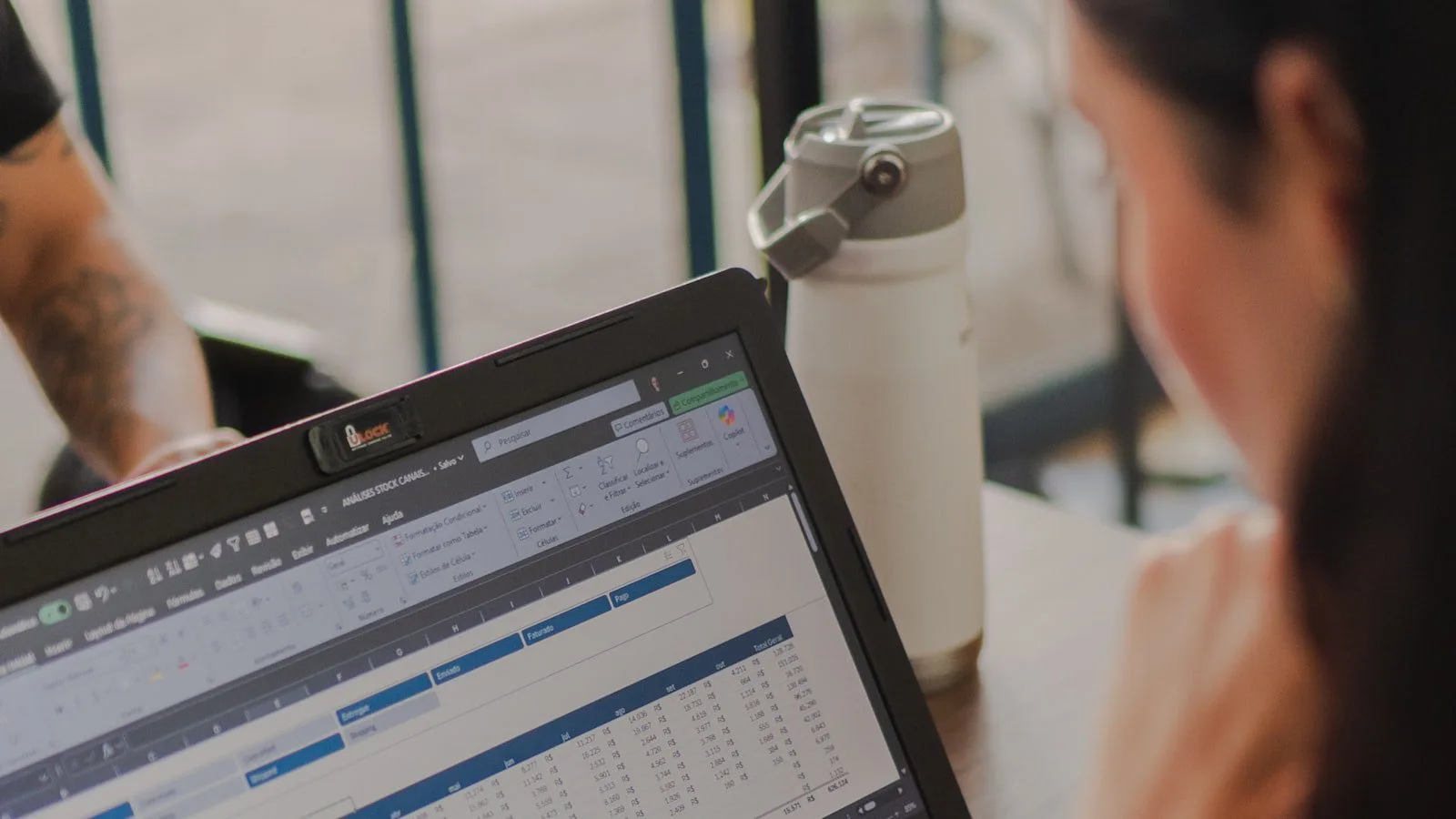

- GPT for Work describes itself as the AI agent for Excel and Sheets.
- The product works across Microsoft Excel, Google Sheets, Microsoft Word, and Google Docs, though spreadsheets are clearly the center of gravity.
- Its Agent feature can read spreadsheet context, decide on the needed steps, and execute them directly in the workbook or sheet.
- Bulk tools are designed for large row-by-row tasks such as classification, translation, extraction, and custom prompting.
- GPT functions let users call AI directly from cells, similar to spreadsheet formulas.
- It supports models from OpenAI, Anthropic, Google, Perplexity, Mistral, DeepSeek, xAI, and OpenAI-compatible endpoints, including local-model setups.
- The company says its standard pricing is usage-based rather than per-seat, starting at $29 with pooled credits.
- Official security materials highlight ISO 27001 certification, GDPR compliance, encryption in transit and at rest, SSO support, and admin controls.
- The About page says the company has more than 55,000 paid customers and more than 7 million installs across its products.

GPT for Work matters because spreadsheets remain one of the main interfaces where real business work still happens. Marketing teams clean keyword lists in Sheets. Finance teams reconcile categories and descriptions in Excel. Operations teams translate, label, classify, and enrich large tables that are too structured for free-form chat and too messy for traditional formulas alone.
That is the gap GPT for Work is trying to close. Instead of asking users to copy data into a general chatbot, rewrite prompts manually, and paste results back row by row, the software tries to bring AI closer to the actual spreadsheet workflow. That is much closer to practical workflow automation than to casual AI experimentation.
It also matters because spreadsheet AI stops being a toy once it touches scale, permissions, spend, and data handling. If a team is using AI to classify 20 rows, almost any setup can feel fine. If the same team is processing thousands of rows every week across multiple users, the operating model becomes more important than the headline feature list.

1. GPT for Work is built to act inside spreadsheets, not just beside them
The first important fact about GPT for Work is where the work happens.
According to the official concepts and product pages, the Agent is not only a generic chat box attached to Excel or Sheets. It is designed for spreadsheet work specifically. You describe what you need in plain language, and the Agent reads the sheet, figures out the required steps, and executes them in the spreadsheet itself.
That distinction matters because a lot of AI spreadsheet workflows still depend on manual copying and pasting. This setup is explicitly trying to reduce that friction.
2. GPT for Work is really three product layers in one
The second fact is that this is not one feature.
Its official documentation separates the product into Agent, bulk tools, and GPT functions. Agent is the conversational layer for spreadsheet work. Bulk tools handle large column-based jobs without making users write formulas. GPT functions let users place AI logic directly into cells with spreadsheet-style syntax.
That makes the platform more flexible than a single interaction model. A casual user might start with chat. A spreadsheet operator might prefer bulk tools. A power user might build repeatable formulas into the sheet itself.
3. Model flexibility is one of the strongest parts of the product
Another practical fact is that it is not locked to one model family.
Official materials say it supports multiple AI providers and also allows OpenAI-compatible endpoints, including local-model setups through tools such as Ollama. That gives teams more choice over cost, performance, privacy, and model behaviour than a single-vendor spreadsheet assistant would.
This is important for buyers who do not want their spreadsheet automation strategy tied to one model provider. It also matters for teams that want to standardise around their own API keys or route traffic through a private endpoint.
4. GPT for Work uses a usage-based pricing model, but platform separation is easy to miss
The pricing pitch is not the usual per-seat software story.
The pricing page says standard plans are usage-based, not priced by seat, and start at $29 with pooled credits. The company also offers bring-your-own-key usage, where teams can connect their own AI provider accounts and pay a platform fee per million tokens instead of consuming pooled cloud credits.
The practical wrinkle is in the concepts documentation: Google-side products and Microsoft-side products run in separate spaces. If you use GPT for Sheets and Docs plus GPT for Excel and Word, credits, users, API keys, and endpoints do not carry over automatically between those two platform groups.
For some teams that will be a small detail. For others, especially mixed Google and Microsoft environments, it is an operational planning issue.
5. Data handling depends heavily on whether you use cloud credits, your own API key, or a custom endpoint
This is one of the most important facts in the whole product story.
The security FAQ says Talarian does not use user inputs or outputs to train language models and does not sell user data. But the same FAQ also makes clear that the data path changes depending on how you use the product.
If you use models through the platform’s cloud credits without your own API key, the company says it logs inputs and outputs for support purposes and stores them for product improvement, excluding model training. If you use your own API key, it says it does not log inputs or outputs. If you use a custom endpoint, inputs and outputs do not pass through its infrastructure at all.
That is not a minor implementation detail. It is the difference between a convenient default setup and a stricter privacy architecture.
6. GPT for Work looks strongest on repetitive spreadsheet operations at scale
The benchmark and product materials make the platform look particularly strong on bulk spreadsheet work rather than on generic chat.
The company’s benchmark page says GPT for Excel was the fastest tool in 10 of 11 tested spreadsheet tasks, including workloads across 100 rows, 1,000 rows, 10,000 rows, and a 500-row web-search scenario. The same materials emphasise progress tracking and row-by-row execution for large jobs.
Those are vendor-published benchmarks, not independent third-party certification, so they should be treated as directional rather than absolute. Still, they point to the same product shape the documentation describes: it is trying to win on structured, repetitive spreadsheet execution more than on open-ended conversation.
7. GPT for Work is becoming an admin and governance layer, not only an add-in
The final practical fact is that the platform has grown beyond a simple spreadsheet plugin.
The dashboard and release-note materials show an increasingly serious admin layer: spaces, spending limits, usage reports, model controls, API-key management, endpoint management, and team-level permissions. The security FAQ adds SSO, encryption, Microsoft publisher attestation, Google CASA Tier 3, ISO 27001, and GDPR positioning.
That does not automatically make the product the right choice for every enterprise. But it does show that it is being built as a governed workflow layer, not only a clever assistant for individual spreadsheet users.

GPT for Work looks most compelling when a team already lives in Excel or Sheets and wants AI to work close to the data instead of outside it.
It appears especially well suited to jobs like product-catalogue enrichment, translation of spreadsheet columns, customer-feedback classification, contact-list cleanup, structured extraction, web research at row scale, and recurring spreadsheet reporting tasks. Those are the kinds of workflows where bulk tools, spreadsheet context, and in-cell functions can save more time than a general chatbot tab can.
It also fits organisations that want some model flexibility. A team can start with cloud credits, move to its own API keys later, or connect a custom endpoint if privacy or procurement requirements tighten. That makes the product more adaptable than many narrow spreadsheet copilots.
There is also a broader operations angle here. A lot of real AI in project management still ends up flowing through status trackers, resource sheets, planning tables, and spreadsheet-like handoff layers. This platform fits that operational reality better than products that assume work begins and ends in chat.

Is GPT for Work only for spreadsheets?
No. The platform also covers Word and Docs products. But its clearest product identity and most distinctive feature set are centered on Excel and Sheets.
Does GPT for Work require my own API key?
No. Teams can use cloud credits without bringing their own keys. They can also switch to their own API keys or custom endpoints if they want more control over cost, privacy, or model access.
Is GPT for Work priced per seat?
The standard pricing page says no. The main commercial model is usage-based pricing with pooled credits, although enterprise arrangements can differ.
Can GPT for Work use local models?
Yes. Official documentation says the platform can connect to OpenAI-compatible endpoints, including local-model setups.
What is GPT for Work best at?
Based on the official materials, it looks strongest at structured spreadsheet work such as classification, extraction, translation, cleanup, web search, and other row-by-row bulk operations.
What should a serious buyer check first?
The two biggest things to verify are the data path and the platform setup. In practice that means deciding between cloud credits, API keys, or endpoints, and checking whether your Microsoft and Google environments need to be managed separately.
More AI coverage: explore Progressive Robot's AI Models, Tools & Releases hub — hands-on reviews, setup guides and benchmarks in one place.










