
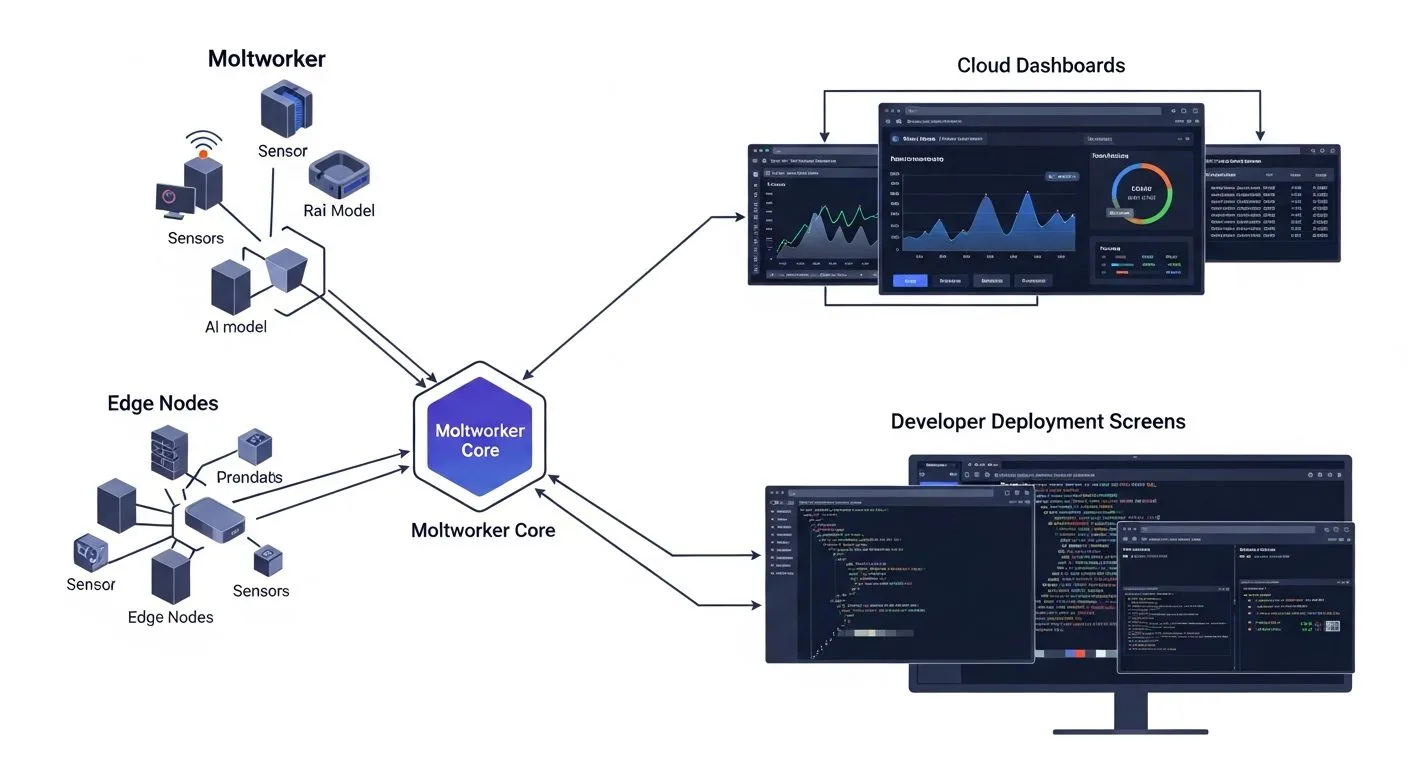
If you want to learn how to set up Moltworker, the first thing to understand is that Moltworker is not a mainstream consumer AI app. It is a Cloudflare open-source proof of concept for running an AI agent stack on Cloudflare services such as Workers, Sandboxes, R2, Browser Rendering, and AI Gateway. That means the setup is more infrastructure-oriented than a typical one-click assistant tool.
This guide is based on Cloudflare’s official Moltworker announcement and the public repository. If you are comfortable with developer platforms and want to experiment with a cloud-native AI agent deployment, this is the setup path that matters.
Why learning how to set up Moltworker correctly matters
If you want better results from how to set up Moltworker, the biggest advantage comes from treating it like an infrastructure project instead of a casual AI app install. The cleaner your platform preparation is, the easier the deployment becomes.
When people search for how to set up Moltworker, they often focus on the repository before the platform. In practice, the Cloudflare prerequisites, AI Gateway setup, and first narrow workflow are what determine whether the proof of concept is usable.
What you need before you start

Before you set up Moltworker, make sure the environment matches the project expectations.
- A Cloudflare account.
- A Workers Paid plan if you need Sandbox Containers.
- Access to AI Gateway.
- A supported model provider or bring-your-own-key path.
- Comfort working with a deployment-oriented repo rather than a packaged app.
If you are evaluating why systems like this matter beyond experimentation, Progressive Robot’s page on workflow automation is a useful internal reference for the operational side of AI-driven execution.
How to set up Moltworker step by step

1. Understand that Moltworker is a proof of concept
The first step in how to set up Moltworker is setting expectations correctly. Moltworker is a public Cloudflare proof of concept, not a polished end-user SaaS product. That means you should approach it like an infrastructure experiment or developer deployment template.
If you want a consumer-style onboarding experience, Moltworker is probably not the right tool.
2. Prepare your Cloudflare account and required services
Before you deploy anything, make sure the Cloudflare side is ready. In practice, this means preparing the services the project depends on, including AI Gateway and any required storage or sandbox capabilities.
Do not clone the project and start editing config until you know the platform prerequisites are available.
3. Clone the repository and review the README carefully
Once your Cloudflare account is ready, clone the official repository and read the setup instructions fully before changing any values. Projects like Moltworker usually fail for people who skim the docs and assume the deployment is simple.
Your first goal is to understand the architecture, not to rush to deployment.
4. Create and configure AI Gateway
Cloudflare’s public guidance points to AI Gateway as a core part of the setup. Configure it properly and ensure your chosen provider is supported with billing or bring-your-own-key credentials handled correctly.
If the AI layer is not configured correctly, the rest of the stack will not behave as expected.
5. Set required environment values
Public setup guidance points to environment values such as `ANTHROPIC_BASE_URL` and other service-level configuration for storage, access control, and execution components.
This is one of the most important phases. Take your time and keep a clean record of every value you set.
6. Configure R2, Sandbox, and access controls
Moltworker is more than a single runtime. It depends on multiple Cloudflare capabilities working together. After the AI Gateway layer is ready, configure the required storage and execution services such as R2 and Sandbox, along with any necessary access controls.
This is where the project starts to look like a real cloud deployment instead of a simple local script.
7. Deploy and validate one narrow workflow
Once the infrastructure is in place, deploy the stack and validate one narrow use case. Do not judge success by whether the deployment command completes. Judge success by whether the agent flow works predictably.
Your first validation should confirm:
The deployment is live.
The AI layer is reachable.
Storage and execution services behave correctly.
One small agent workflow succeeds.
Common mistakes to avoid
Moltworker setup issues usually come from mismatched expectations or skipped infrastructure steps.
- Treating it like a packaged product instead of a proof of concept.
- Skipping Cloudflare platform prerequisites.
- Underestimating AI Gateway configuration.
- Forgetting storage or sandbox dependencies.
- Testing broad agent workflows before validating one narrow path
Who should use Moltworker?
Moltworker is best for developers, platform engineers, and technical teams who are comfortable working with cloud infrastructure and proof-of-concept AI deployments. If you are learning how to set up Moltworker because you want to explore a Cloudflare-based agent runtime with edge-oriented services, it can be an excellent technical experiment.
It is not the right choice for users who want a consumer-friendly AI app or a fully managed no-code setup. Moltworker makes the most sense when infrastructure work is part of the goal.
Troubleshooting common problems when you learn how to set up Moltworker

If you are still working out how to set up Moltworker, these are the first areas to inspect:
- Cloudflare prerequisites were not completed before deployment.
- AI Gateway was not configured correctly.
- Required environment variables are incomplete.
- Storage or sandbox services were skipped.
- The deployment was tested with a complex workflow before a simple one worked.
The most effective fix is to reduce the setup to one environment, one provider path, and one minimal agent workflow. Once that works, the rest of the infrastructure becomes easier to debug.
What to do after you set up Moltworker

Once you finish how to set up Moltworker, the next step is stabilizing the deployment and deciding whether the proof of concept is worth extending.
- Validate one narrow workflow repeatedly.
- Record the Cloudflare services and settings in use.
- Monitor runtime behaviour before adding complexity.
- Expand features only after the minimal flow is dependable.
- Treat changes like infrastructure updates, not casual app settings.
That process gives you a better long-term signal on whether Moltworker should stay a test project or become part of a more serious architecture.
Quick checklist to confirm your Moltworker setup is working
Before you decide that you have fully handled how to set up Moltworker, confirm these points:
- Cloudflare prerequisites are complete.
- AI Gateway is configured correctly.
- Required environment variables are set.
- Storage and execution services are active.
- One minimal workflow runs successfully end to end.
Frequently asked questions
Is Moltworker a commercial Cloudflare product?
No. Publicly, it is positioned as an open-source proof of concept, not a standalone commercial product SKU.
Do I need a paid Cloudflare plan?
For the full sandbox-oriented experience, yes. Cloudflare’s own materials note paid requirements for some capabilities.
Is Moltworker beginner-friendly?
Not for most casual users. It is better suited to developers comfortable with cloud infrastructure and service configuration.
What is the safest first-use test?
Deploy the stack and validate one very small workflow end to end before you expand into more complex agent behaviour.
Final thoughts
If your goal is to understand how to set up Moltworker without getting lost, start by treating it as a Cloudflare infrastructure experiment, not a consumer app. Prepare the account services first, clone the repo, configure AI Gateway and environment variables carefully, wire the dependent services, and only then test one small workflow.
Moltworker is powerful in the right hands, but it rewards disciplined setup. The cleaner your infrastructure preparation is, the easier the deployment becomes.
More AI coverage: explore Progressive Robot's AI Models, Tools & Releases hub — hands-on reviews, setup guides and benchmarks in one place.










