
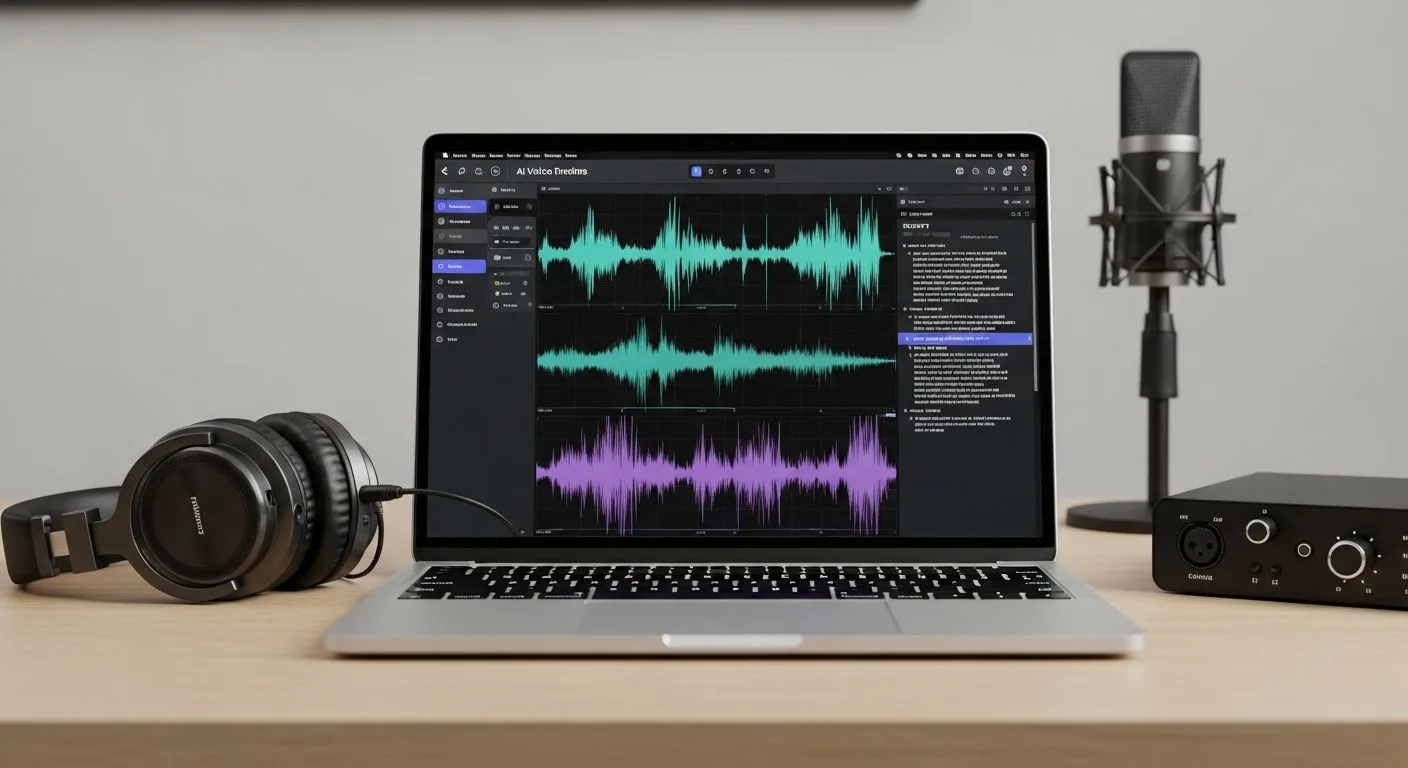
If you want to learn how to set up ElevenLabs without getting lost in features you do not need yet, the best approach is to start with one clear use case and one short test workflow. ElevenLabs can handle text to speech, voice cloning, speech to text, dubbing, conversational agents, and broader audio generation, but most beginners get better results when they begin with a simple voice generation setup and expand from there.
This guide uses the official ElevenLabs documentation as the main reference point. Whether you want AI voiceovers for videos, podcast narration, product demos, training content, or a developer-ready text-to-speech workflow, the early setup process follows the same practical pattern.
Why learning how to set up ElevenLabs correctly matters

If you rush through how to set up ElevenLabs, the platform can feel more complicated than it really is. The interface offers multiple products, model choices, voice options, and workflow paths, so a loose setup often leads to inconsistent audio, wasted credits, and too many experiments happening at once.
A disciplined first setup gives you three advantages immediately: clearer voice quality decisions, faster testing, and a more repeatable production process. That matters whether you are a solo creator producing short-form content, a business building narrated explainers, or a team testing voice workflows for support, training, or product experiences.
What to decide before you begin

Before you set up ElevenLabs, decide what kind of output you actually need first. Do not try to configure everything at once.
- Pick one primary use case: video voiceovers, podcast narration, audiobooks, product demos, conversational AI, or multilingual audio.
- Decide whether you are starting in the web app, the API, or both.
- Choose whether you want to use a library voice, create a designed voice, or clone a voice you have the right to use.
- Prepare one short sample script so you can test quality quickly.
- Know who will review the audio quality before you scale usage.
If your plan is to turn AI voice generation into a repeatable operating process instead of a one-off experiment, Progressive Robot’s guide to workflow automation is a useful next step once the basic ElevenLabs setup is stable.
How to set up ElevenLabs step by step

1. Create your account and choose the simplest starting path
The first step in how to set up ElevenLabs is creating your account and choosing the path that matches your immediate goal. ElevenLabs supports several capabilities, but beginners usually move fastest by starting with text to speech inside the web app before expanding into advanced tools.
If your goal is voice generation for content, start with the main text-to-speech workflow. If your goal is development or product integration, still begin with one manual test in the web app so you can hear the output before touching the API.
2. Choose your main workspace mode: creator flow or developer flow
One of the biggest decisions in how to set up ElevenLabs is deciding whether you mainly need a no-code audio workflow or a developer workflow. The creator path is best for voiceovers, narration, and quick audio tests inside the web interface. The developer path is better when you need API access, automation, or product integration.
You do not have to choose forever, but you should choose what comes first. If you try to learn voice generation, model selection, voice cloning, API usage, and team process design all at once, the setup becomes harder than it needs to be.
3. Pick a voice from the library or create one intentionally
ElevenLabs gives you access to a large voice library, along with options to design or clone voices. For most beginners, the best move is to start with an existing high-quality voice and learn how it behaves with your script before creating custom voices.
If you do want a custom voice, be deliberate:
- Use voice cloning only when you have clear rights and consent.
- Use voice design when you want a distinctive character without relying on a real person’s recording.
- Keep your first tests short so you can compare tone, pacing, and pronunciation easily.
This stage matters because a weak voice choice creates the illusion that the whole platform is underperforming, when the real problem is usually voice fit.
4. Select the model, language, and delivery style that fit the job
An important part of learning how to set up ElevenLabs is understanding that voice choice alone is not enough. Model selection, language coverage, and delivery style all affect the final result.
For example, some workflows need maximum expressiveness, while others need lower latency or more stable long-form output. Match the setup to the job:
- Use an expressive model when storytelling, character work, or emotional delivery matters.
- Use a faster model when responsiveness matters more than dramatic performance.
- Match the language and accent to the audience instead of treating English defaults as universal.
- Adjust pacing and pronunciation with short iterations instead of rewriting everything at once.
Your first goal is not perfection. It is finding one reliable combination of voice, model, and script style that produces usable output consistently.
5. Generate a short test clip before building a larger workflow
The safest way to set up ElevenLabs is to test a short script before you attempt a full narration, long-form production, or integrated voice pipeline. Use a short sample that reflects the real type of content you plan to generate.
Good first test scripts include:
- A 20 to 40 second video voiceover.
- A product explanation paragraph.
- A short onboarding script.
- A small podcast intro.
- A customer support sample response.
Listen for the basics first: pronunciation, pacing, pauses, emphasis, and overall believability. Do not judge the platform on a messy test paragraph you would never use in production.
6. Organise your voices, assets, and naming rules early
If you are serious about how to set up ElevenLabs for recurring use, organise your assets before the platform fills up with random tests. Even a small amount of structure will save time later.
- Name voices clearly by use case or brand role.
- Save approved sample scripts for future comparisons.
- Separate experiment outputs from production-ready audio.
- Track which voice and model combinations are approved for which channels.
- Document pronunciation rules for names, products, or technical terms.
This becomes especially important when multiple people are generating audio for the same brand or content pipeline.
7. Add API access only after the manual workflow works
If you need automation or product integration, move into API usage after the manual workflow is already working. ElevenLabs provides API and SDK access, but the technical path is easier when you already know which voices, models, and output patterns you trust.
Once the base setup works, move into developer mode carefully:
- Create and store your API key securely.
- Start with one narrow use case such as generating short narration clips.
- Reuse the same approved voice and model from your manual testing.
- Monitor usage so credits and output quality stay predictable.
- Keep one human review step in place until the workflow is proven.
That sequence is more reliable than trying to automate quality decisions you have not made yet.
8. Establish review, compliance, and quality controls
The final step in how to set up ElevenLabs is operational rather than technical. Decide how your team will review audio before it goes live.
- Confirm who approves final voice outputs.
- Define where cloned or branded voices are allowed to be used.
- Create a basic checklist for pronunciation, pacing, tone, and legal review.
- Keep a record of which scripts and voices were used in published content.
- Review generated audio in the real destination context, such as a video edit, podcast mix, or product flow.
This is the difference between testing a tool and running a usable AI audio workflow.
Common mistakes to avoid when you set up ElevenLabs
Most setup problems come from trying to do too much too early.
- Testing too many voices before defining the actual use case.
- Jumping into cloning before confirming a standard library voice could do the job.
- Evaluating audio quality with weak scripts that do not reflect production use.
- Moving into the API before the web workflow is stable.
- Letting multiple team members create assets without naming rules.
- Ignoring consent, rights, or approval requirements for voice usage.
- Treating every use case the same instead of matching model and voice choices to the job.
The cleanest fix is usually simplification. Reduce the setup to one use case, one voice, one model path, and one short script until the output is consistently strong.
Who should use ElevenLabs?
ElevenLabs is a strong fit for content creators, video teams, podcasters, educators, developers, product teams, and operations teams that need high-quality synthetic voice output. If you want realistic narration, multilingual voice generation, conversational audio, or scalable text-to-speech workflows, learning how to set up ElevenLabs properly can save meaningful production time.
It is especially useful when you need audio at scale without recording every version manually. If your work depends on frequent updates, localized scripts, or multiple voice variants across channels, the platform becomes much more valuable once the setup is disciplined.
Troubleshooting common problems when you learn how to set up ElevenLabs

If you are still working out how to set up ElevenLabs, most problems fall into a few repeatable categories:
- The chosen voice does not match the script style.
- The model is optimised for the wrong priority, such as speed instead of expressiveness.
- The script is too long or poorly structured for the first test.
- Pronunciation issues were not reviewed before scaling output.
- API use started before manual quality standards were established.
- Teams are generating audio without shared naming and approval rules.
The fastest troubleshooting order is simple: fix the script first, confirm the voice second, adjust the model third, and only then investigate workflow or integration issues. That usually resolves setup friction faster than endlessly changing every variable at once.
What to do after you set up ElevenLabs

Once you finish how to set up ElevenLabs, the next step is to turn it into a repeatable voice workflow instead of an isolated demo.
- Create one approved shortlist of voices for your main use cases.
- Save scripts that work well as internal benchmarks.
- Build a lightweight review checklist for tone, pacing, pronunciation, and consent.
- Standardise one naming convention for assets and exports.
- Introduce API automation only where manual quality is already stable.
That approach keeps the platform useful as your content volume grows.
Quick checklist to confirm your ElevenLabs setup is working
Before you decide that you have fully handled how to set up ElevenLabs, confirm these points:
- Your account is active and your primary workflow is clear.
- You have tested at least one real script with a voice that fits the use case.
- You know which model and language settings you plan to use first.
- Your files, voices, or output assets follow a simple naming structure.
- If you need automation, your API path comes after a successful manual test.
Frequently asked questions
Is ElevenLabs only for developers?
No. ElevenLabs works for both creators and developers. Many users begin entirely in the web app for narration, voiceovers, or audio experiments before moving into API-based workflows.
Should I start with voice cloning right away?
Usually no. Start with a library voice first so you can judge the platform quickly. Move into cloning only when you have a clear reason, the right permissions, and a stable workflow.
What is the best first use case for beginners?
A short voiceover or narration script is usually the easiest place to start. It is long enough to test pacing and quality, but short enough to compare multiple voices without wasting time.
Do I need the API on day one?
No. The fastest path is usually web app first, API second. Once you know which voices and models work for your content, the API becomes much easier to use effectively.
Final thoughts
If your goal is to learn how to set up ElevenLabs with minimal confusion, the best sequence is simple: define one use case, test one strong voice, choose the right model for the job, generate a short real sample, organise the assets, and only then expand into automation or team workflows.
ElevenLabs becomes far more valuable when the setup is tied to a real production need instead of broad experimentation. Start narrow, validate the audio quality quickly, and build from a workflow you can actually repeat.
More AI coverage: explore Progressive Robot's AI Models, Tools & Releases hub — hands-on reviews, setup guides and benchmarks in one place.










