
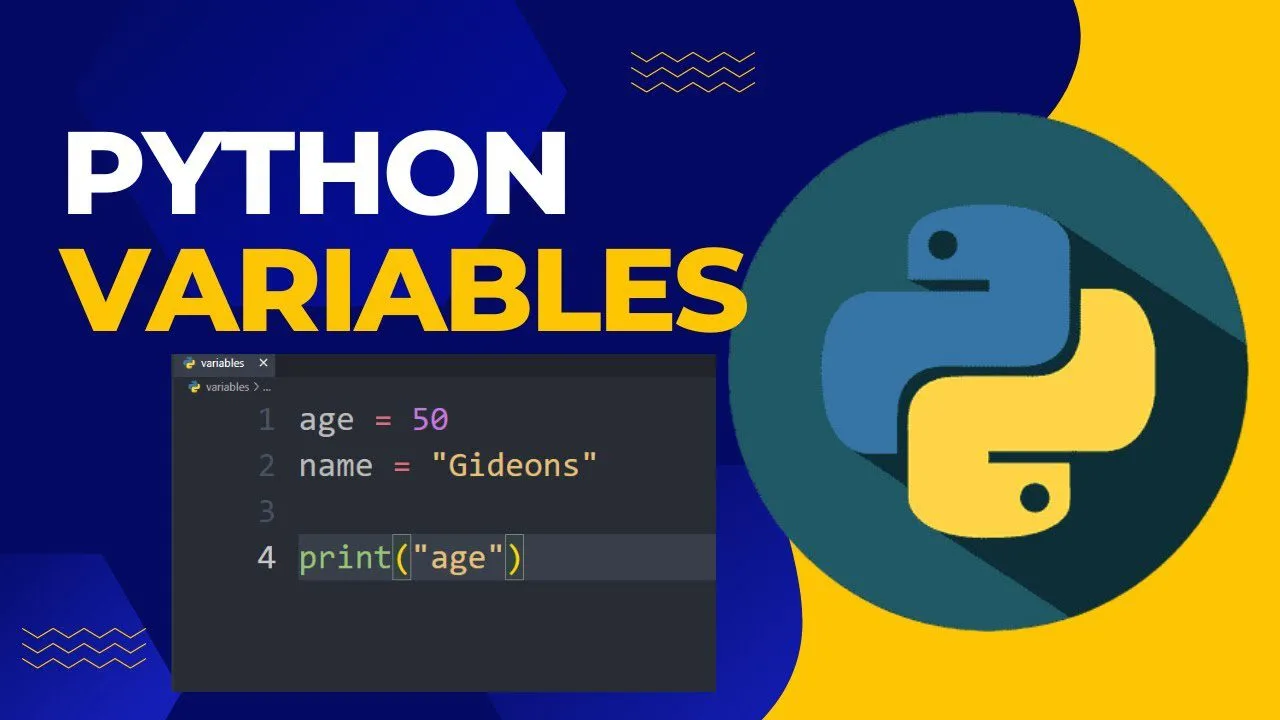
Learning how to use variables in Python 3 is one of the very first and most essential skills in Python programming — variables are named storage locations that hold values (numbers, strings, lists, etc.), allowing you to write clean, reusable, and maintainable code without repeating literal values everywhere.
In this beginner-friendly 2025–2026 guide, you’ll master exactly how to use variables in Python 3: declaring/assigning variables, naming rules & style (PEP 8), multiple assignment, reassignment, global vs local scope, best practices, and common mistakes. All examples are tested on Python 3.10–3.13.
Key Takeaways – How to Use Variables in Python 3
- Variables in Python 3 are dynamically typed — no need to declare type (int x = 5); just assign (x = 5).
- Assignment uses = — left side is variable name, right side is value.
- Variable names: letters, numbers, underscores; start with letter or underscore; case-sensitive.
- PEP 8 style: snake_case (lowercase_with_underscores) is standard for variables.
- Multiple assignment: x = y = z = 0 or a, b, c = 1, 2, 3.
- Reassignment is allowed — variables can change type and value anytime.
- Global vs local scope: variables outside functions are global; inside functions are local unless global keyword used.
- Use descriptive names — good names reduce need for comments and make code self-documenting.
Prerequisites
- Python 3.8+ installed
- Basic Python knowledge (print, basic math)
- Interactive shell (python3) or script file
1. Declaring & Assigning Variables in Python 3
How to use variables in Python 3 is simple — just assign a value with =:
					age = 30                  # integer
name = "Zain"             # string
height = 5.9              # float
is_student = True         # boolean
fruits = ["apple", "banana"]  # list

print(age)                # 30
print(name)               # Zain
No type declaration needed — Python infers it automatically.
2. Variable Naming Rules & Style (PEP 8)
Rules (must follow):
- Only letters (a–z, A–Z), numbers (0–9), underscores (_)
- Cannot start with a number
- Case-sensitive (age ≠ Age ≠ AGE)
- Cannot be Python keywords (if, for, class, etc.)
PEP 8 style recommendations (2025–2026 standard):
- Use snake_case (lowercase with underscores)
- Descriptive & meaningful names
- Avoid single-letter names except for counters (i, j in loops)
Good examples:
					user_name = "Zain"
total_score = 95
max_retries = 5
is_valid_input = True
Bad examples:
					x = 10                    # unclear
UserName = "Zain"         # camelCase (not PEP 8)
1st_place = "gold"        # starts with number
my-var = 100              # hyphen not allowed
3. Multiple Assignment in Python 3
Assign multiple variables at once:
					# Same value to many variables
x = y = z = 0
print(x, y, z)            # 0 0 0

# Different values (unpacking)
a, b, c = 1, "hello", True
print(a, b, c)            # 1 hello True
Very common for swapping values:
					x, y = 10, 20
x, y = y, x               # swap
print(x, y)               # 20 10
4. Reassigning Variables
Variables in Python 3 can change value and type anytime:
					score = 95                # int
print(score)              # 95

score = "Excellent"       # now string
print(score)              # Excellent

score = 95.5              # now float
print(score)              # 95.5
5. Global vs Local Variables in Python 3
Scope determines where a variable is accessible.
Global (outside functions):
					global_count = 100        # global

def increment():
    print(global_count)   # can read global

increment()               # 100
Local (inside function):
					def counter():
    local_count = 1       # local
    print(local_count)

counter()                 # 1
# print(local_count)      # NameError – not accessible outside
Modify global inside function (rarely needed):
					count = 0

def increment():
    global count          # declare global
    count += 1

increment()
print(count)              # 1
Best practice: Prefer local variables — use global only when truly necessary (configuration constants, shared state).
6. Best Practices & Modern Tips (2025–2026)
- Use descriptive names: user_email > ue
- Follow PEP 8: snake_case for variables
- Constants in UPPER_CASE: MAX_RETRIES = 5
- Avoid single-letter names except loop counters (for i in range(10))
- Use type hints (Python 3.6+):
					name: str = "Zain"
age: int = 30
- Check type safely: isinstance(age, int)
- Initialize before use — prevents NameError
How to Use Variables in Python 3 – FAQ
- How do I use variables in Python 3?
Assign with = — e.g., score = 95 — simplest way to use variables in Python 3. - What are the rules for naming variables in Python 3?
Letters, numbers, underscores; start with letter/underscore; no spaces/hyphens; case-sensitive. - Can variables change type in Python 3?
Yes — dynamic typing: x = 5; x = “text” is valid. - What’s the difference between global and local variables in Python 3?
Global: accessible everywhere; Local: only inside function — key when using variables in Python 3. - How do I assign multiple variables at once in Python 3?
a, b = 1, 2 or x = y = z = 0 — convenient way to use variables in Python 3.
Summary
You now know exactly how to use variables in Python 3: assignment, naming rules (PEP 8), multiple assignment, reassignment, global vs local scope, best practices, and common mistakes.
Mastering variables in Python 3 is the foundation of all Python programming — they let you store, reuse, and manipulate data cleanly and efficiently. Every script, function, and project relies on well-named, properly scoped variables.
Recommended Next Tutorials
- Python Data Types Deep Dive (int, float, str, list, etc.)
- Python Type Hints & mypy (2025–2026)
- Python Scope & LEGB Rule Explained
- Build a Simple Score Tracker with Variables
- Python Constants & Configuration Best Practices










